 Martin Jørgensen
🖼️ ImageGlass – A minimalist image viewer for Windows.
A fast, open, and user-friendly image viewer
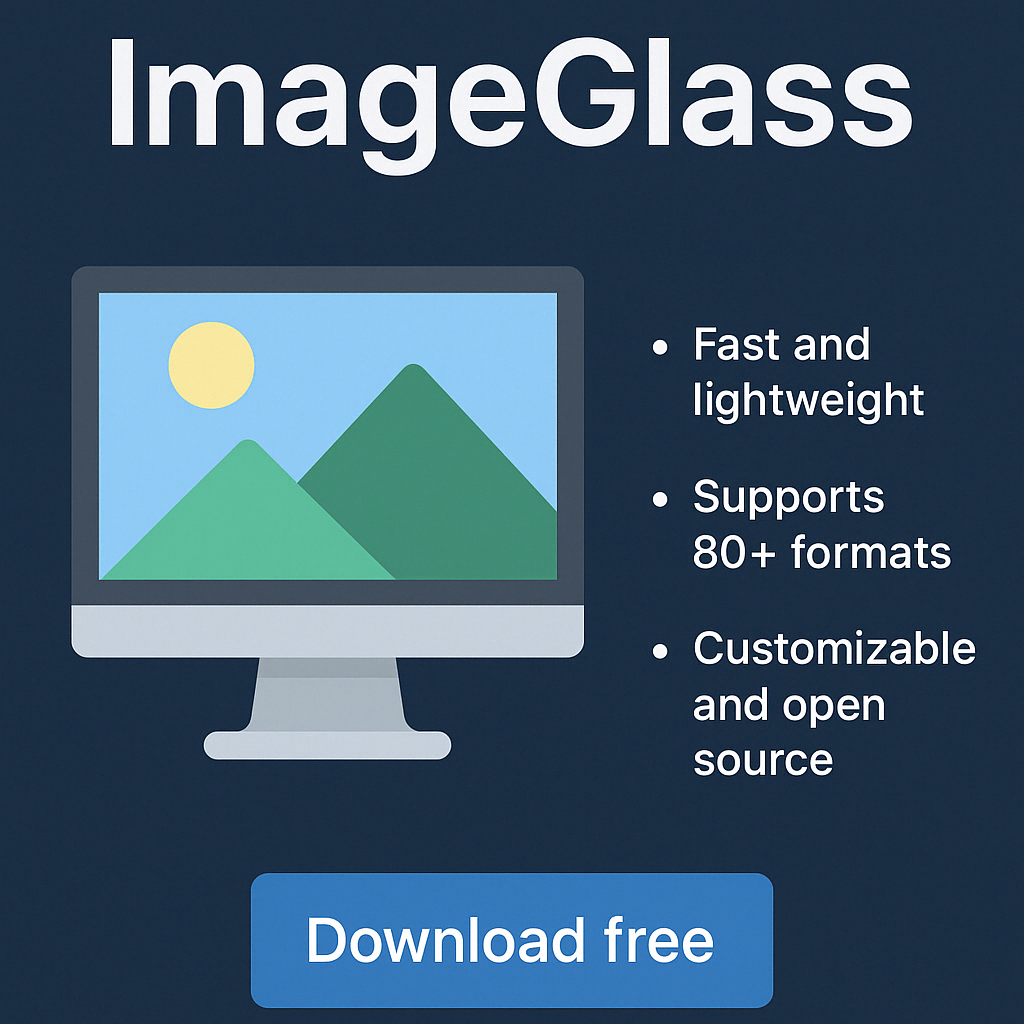
ImageGlass is a simple, open-source image viewer for Windows, built for speed, flexibility, and ease of use. It stands out as an alternative to the built-in Windows Photos viewer, which in the latest Windows versions often feels heavy and slow. With ImageGlass, you can open and switch between images in an instant—without unnecessary delays or features you don’t need.
🎨 What can ImageGlass do?
- Supports 80+ image formats, including JPG, PNG, GIF, BMP, TIFF, WEBP, SVG, HEIC, and more.
- Drag-and-drop support and fast loading
- Slideshow mode plus rotate, mirror, and zoom
- Customizable keyboard shortcuts
- Multilingual support, including Danish
- Supports themes and skins so you can customize the look
- Extensions: while the core is simple, you can add extra features via official plug-ins from the developer
🚀 Benefits of ImageGlass
ImageGlass isn’t an image editor like Paint.NET or GIMP — it’s a viewing tool. And it does that exceptionally well. The program is blazing fast, especially compared to the Windows 10/11 Photos app, which many find frustratingly slow.
It opens images instantly and remembers your preferences—such as zoom level and viewing mode. That makes it an ideal solution for designers, developers, and everyday users who want a fast, clean workflow.
🔧 Tips and tricks for ImageGlass
- Change the theme: Go to Settings > Theme and download more themes from ImageGlass.org.
- Add keyboard shortcuts: Customize hotkeys under Settings > Keyboard.
- Change default file associations: Choose which formats ImageGlass opens under File Associations.
- Show image info fast: Press
Ito see file details, resolution, and color depth in a click. - Go full screen instantly: Double-click the image or press
F11for distraction-free viewing.
💭 Who is ImageGlass for?
- Anyone who needs a fast image viewer
- Anyone tired of the slow Windows 10/11 Photos app
- Anyone who wants software without ads, spyware, or bloatware
- Anyone who works with many image formats and wants to avoid heavy apps
Download ImageGlass
You can download ImageGlass for free right here via our secure download link. The program is open source and ad-free.