

 Martin Jørgensen
Krita – free, professional drawing software for digital art
Krita is an open-source drawing program that’s especially popular with illustrators, concept artists, comic creators, and hobbyists. For years, it has been one of the best free alternatives to Photoshop for digital painting and illustration — and we were genuinely surprised by how professional it feels in use.
During our test on a regular Windows 11 PC, installation was extremely fast, while the initial setup required a bit of fine-tuning of brushes and the workspace. In return, Krita runs very smoothly, even on large canvases.
Tools and features in Krita
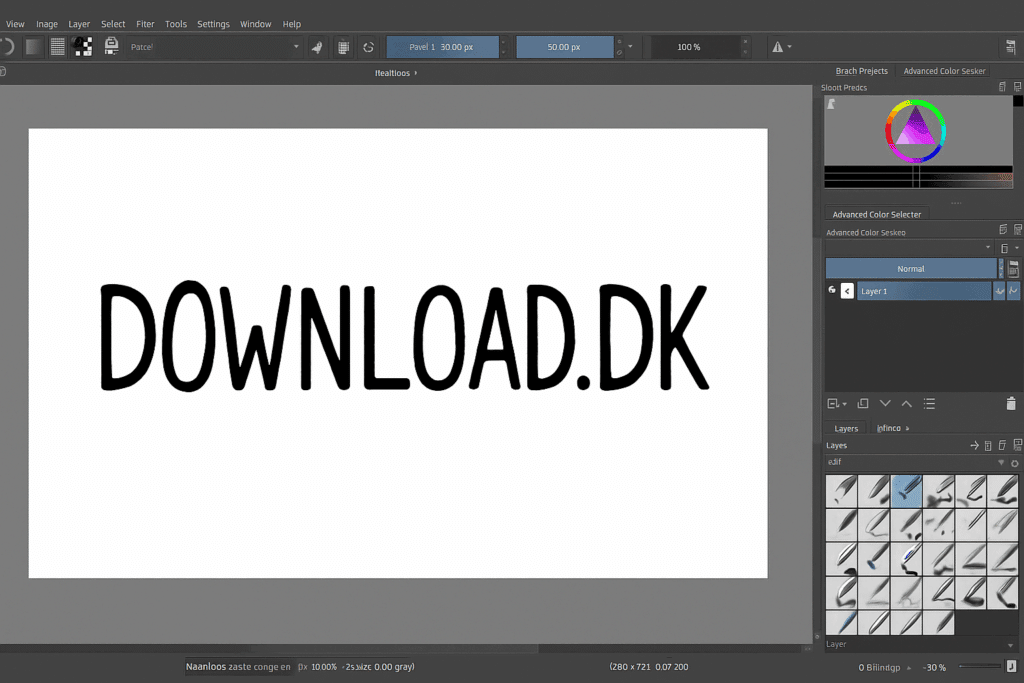
Krita is especially known for its advanced brush engine system, letting you customize brushes down to the smallest detail. The developers also release new brush packs regularly, which Danish users often download to mimic a “traditional drawing feel.”
Key features include:
🎨 100+ default brushes
🖌 Advanced brush engine with texture, flow, and dynamics
🧩 Layer system with blend modes — nearly Photoshop-level
📐 Perspective tools and guides
🧠 Stabilizer for smoother strokes (super relevant for digital drawings)
🎞 Animation timeline (2D animation)
🖼 HDR support
🧩 PSD support
🧰 Fully customizable workspace
Several Danish illustrators especially praise the stabilizer, and it actually feels almost like drawing in Clip Studio Paint — without the price.
Design and user experience
The interface is modern but takes a little getting used to if you’re coming from Photoshop. Krita has many tools docked in panels you can rearrange to fit your workflow.
We found the dark theme makes long sessions easier on the eyes. Krita’s color wheel and brush presets are easy to access in the workflow — which makes a huge difference to speed.
Performance and stability
Krita is optimized for Windows, macOS and Linux, but we found the macOS version sometimes responds a bit slower with very large canvases — especially on Macs without dedicated graphics. On Windows and Linux it generally runs fast.
We also found a few threads in Krita’s forum where users confirm that the macOS version may require enabling hardware acceleration manually.
What is Krita good for?
The program is ideal for:
🖼 Digital painting
📝 Comics
🔧 Line art and concept art
🎞 2D animation
🎨 Illustration for games and graphics
For everyday photo editing, Krita isn’t the best choice — GIMP or Paint.NET are better options.
Limitations and what to watch out for
The biggest downside is that Krita can’t match Photoshop for photo editing or color management. It can also take a bit of setup before it feels “right.”
Beginners may feel overwhelmed by the sheer number of settings, but YouTube guides help a lot.
Top 5 tips for Krita
Use the stabilizer for cleaner line art
Enable the stabilizer in Brush Settings — it makes a huge difference for clean strokes.
Import free brush packs
The Krita community offers some of the best free brush packs in the world.
Use the Reference Images panel
Pin reference images directly in your workspace — brilliant for portraits.
Work with workspaces
Create one workspace for line art, one for coloring, and one for animation. It boosts your flow significantly.
Use Wrap-Around mode for patterns
Perfect for creating textures or seamless patterns.
Krita FAQ
Yes, Krita is 100% free and open source. There’s no limited version, and you get access to all features at no cost.
For digital illustration and line art, Krita can hold its own — and sometimes surpass — Photoshop. For photo editing, Photoshop is still stronger.
Krita works on macOS, but performance can be a bit lower than on Windows and Linux. Turn on hardware acceleration for better performance.
Yes, Krita includes a 2D animation timeline that lets you create frame-by-frame animation directly in the app.
Yes, Krita works with all popular tablets from Wacom, Huion, XP-Pen, and others, including pressure sensitivity and tilt.



