
 Martin Jørgensen
Okular – open-source PDF reader and annotation tool for Linux, Windows, and Mac.
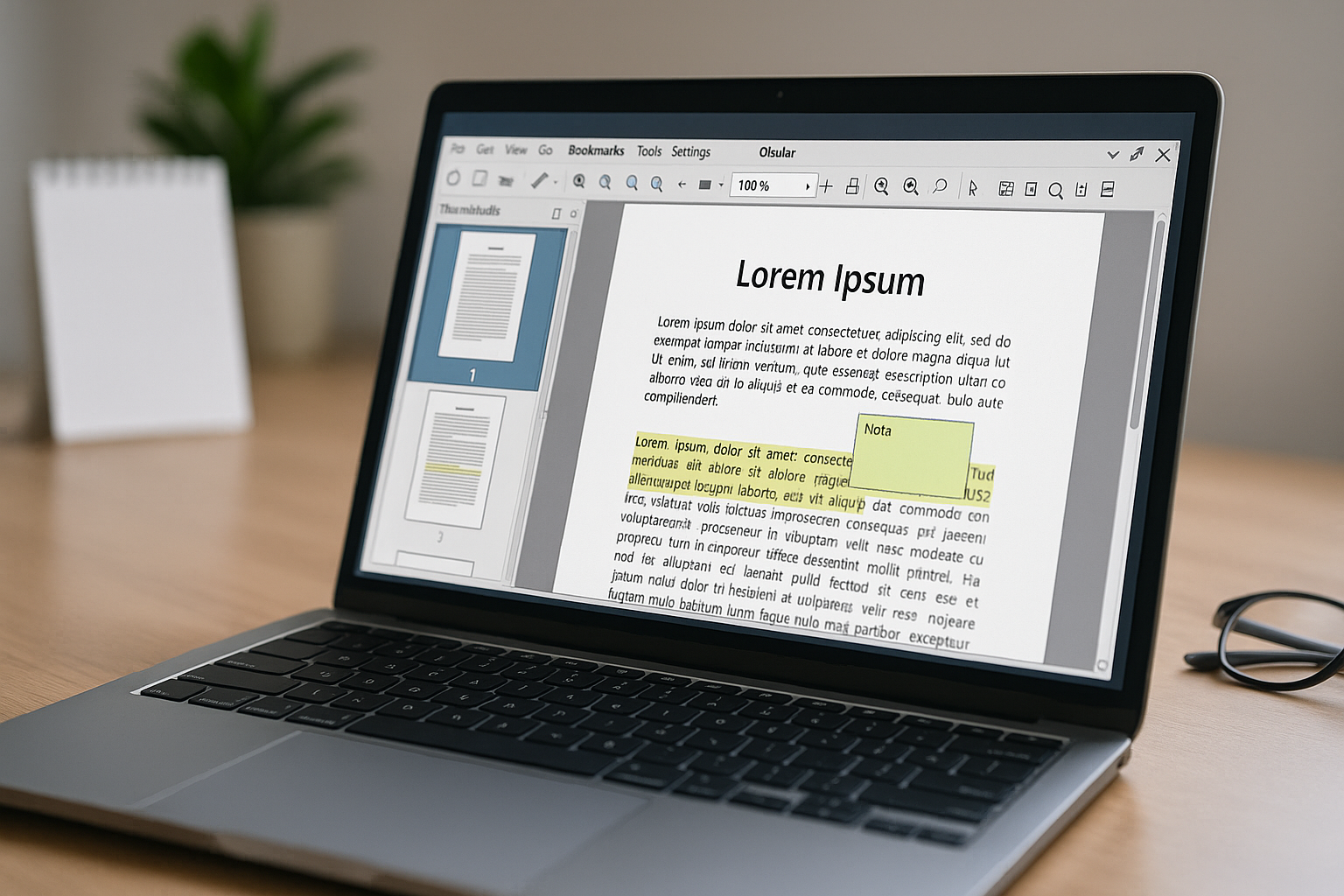
Okular is a free, open-source PDF reader developed by the KDE project—best known from the Linux world. Unlike many niche tools, Okular also works on Windows and macOS and offers a surprising number of features: beyond viewing PDFs you can annotate, sign, highlight, and comment—all in a fast, lightweight, ad-free app.
Okular isn’t a full PDF editor, but it’s ideal for educators, students, and professionals who work with reading and annotations.
Features and user experience
1 is first and foremost a PDF reader, but it includes a range of features that go beyond basic viewing:
- Highlight text, add notes, and underline passages
- Add digital signatures (Cryptographic Signature via OpenPGP)
- Support for ePub, DjVu, ComicBook, PS, and other document types
- Text-to-speech and navigation with a side panel
- Support for form filling and basic interactive PDFs
- Save copies of annotated documents (Okular annotations or directly in the PDF)
The interface is classic KDE: a bit technical and light on modern icons—but fast, clean, and very stable.
Free vs. paid version
Okular is completely free and open source. There’s no Pro version, no paywalled features, and no ads.
It’s developed and maintained as part of the KDE project, with active development and bug fixes from volunteers and the community.
Platforms and operating systems
Okular works on:
- Linux — via all major distributions (Ubuntu, 1, Arch, etc.)
- Windows — via installable MSI
- macOS — via Homebrew or KDE DMG packages
The app works 100% offline, is very lightweight, and requires minimal system resources.
Security and local processing
No data is sent to the cloud. Okular runs entirely offline, making it suitable for sensitive documents. Users in the public sector and education especially appreciate this data security.
Digital signatures use OpenPGP, a secure, encrypted method for validating documents.
Tips for using Okular
- Use the “Review” mode to enable comment and note tools
- Create bookmarks for quick access to frequently read sections in large documents
- Use keyboard shortcuts for lightning-fast navigation between pages and features
- Turn on “Trim View” to read books without distracting margins
- Export pages as images or text via the context (right-click) menu
Is Okular worth it?
Yes—and then some. Okular is one of the best cross-platform PDF readers, especially for Linux users and academics who read and annotate a lot of content. It may not suit those who want to edit PDF text, but as a reading and annotation tool it’s top-tier.



