 Martin Jørgensen
Planet Zoo – Build a Zoo That Actually Works
Planet Zoo is a zoo management sim from Frontier where you design beautiful habitats and run a park that has to make sense financially, operationally, and for animal welfare. That mix of creative building and deep, nerdy management is what makes it addictive — but also a bit steep to learn at first.
Testing on a standard Windows 11 PC, two things stood out: 1) how absurdly detailed the building tools are (in a good way once they click), and 2) animal needs and park operations quickly punish the “throw it together and hope” approach. Planet Zoo rewards planning.
Gameplay and Features
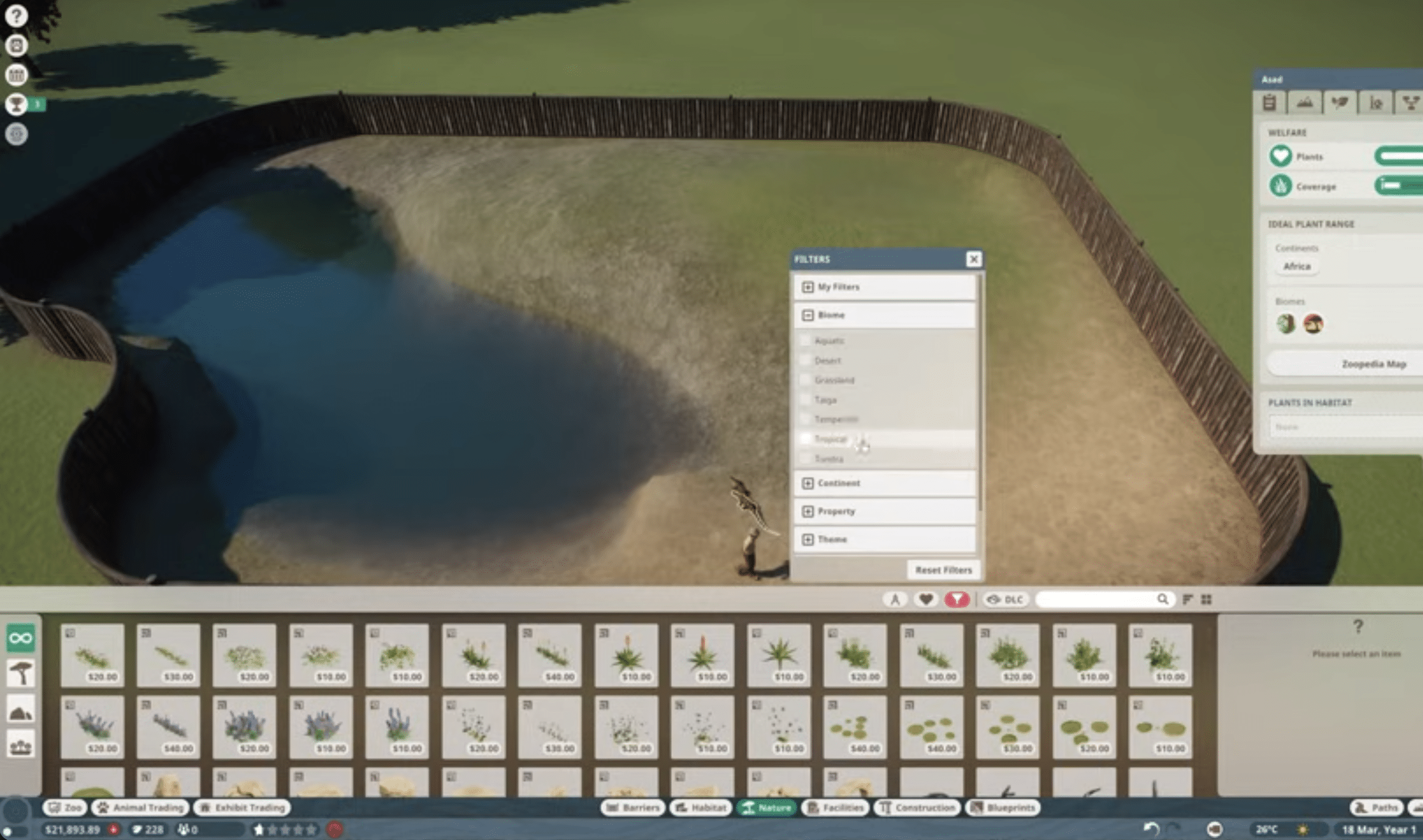
Planet Zoo isn’t just about buying animals and dropping them in a pen. You need to build habitats that match each species’ needs (space, shelter, climate, enrichment, social well-being) while ensuring guests can get there, see something, grab food, and use the restroom without complaining.
The small decisions matter: where you place staff areas, how far your staff walks, whether your paths create bottlenecks, and whether your finances are under control. When it works, the park feels alive — and when it doesn’t, it feels like rescuing a park in slow motion.
Graphics and Design: Where Planet Zoo Stands Out

Visuals are still a big reason people search for Planet Zoo today. Animals look realistic, animations feel believable, and when you zoom into an exhibit you can spend way too long watching guests, tiny details, and animal behavior.
If you’re the type who bygger temazoner (e.g., “Nordic forest,” “African savanna,” “Rainforest”), Planet Zoo also includes tons of decorations and building pieces that let you create something that looks like a real zoo — not just a grid of cages.
Difficulty and Controls: Fantastic, but Not Plug-and-Play
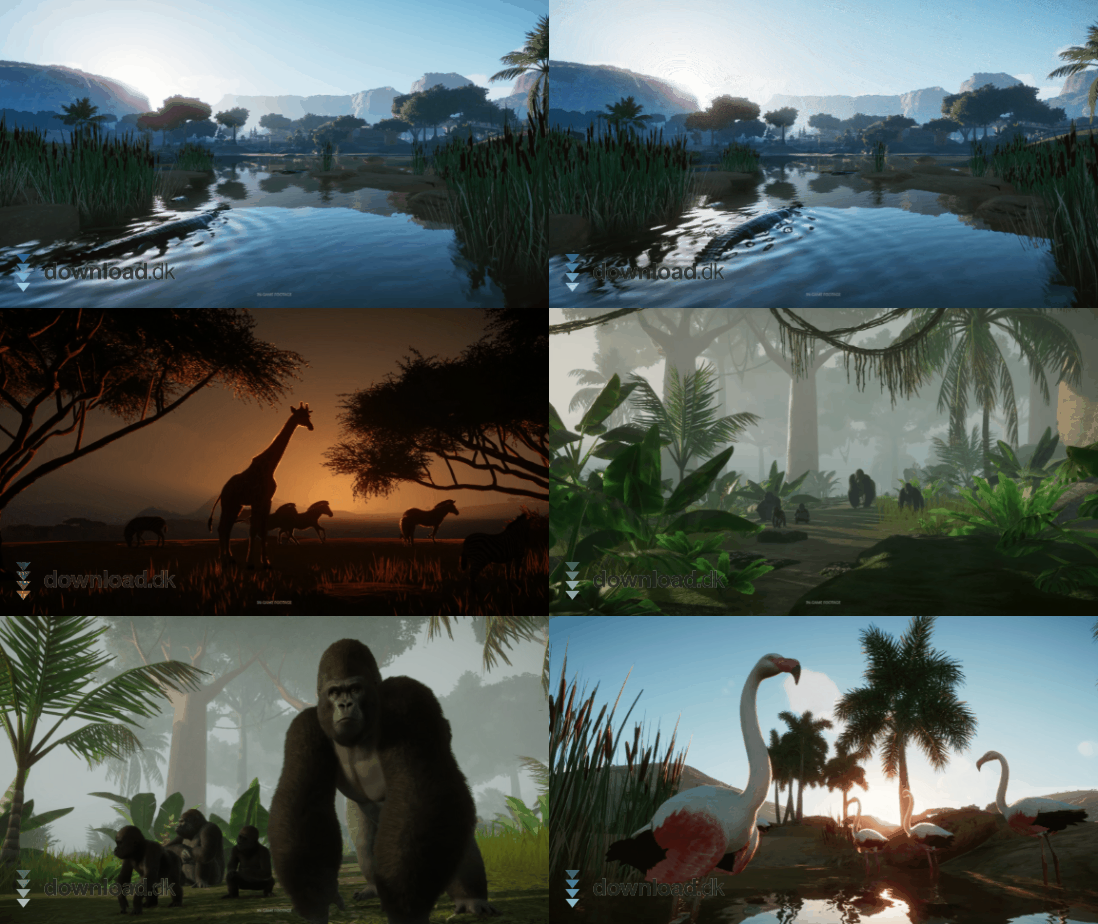
Planet Zoo isn’t the most beginner-friendly sim. The menu system is extensive, and the build tools can feel like “too much” in the first hours. It took us a bit to get hotkeys and camera movement into muscle memory, and we even tweaked controls before everything felt great.
There are tutorials (and they help), but still expect a learning curve if you’re coming from simpler sim games. The upside: once you’ve mastered the basics, the freedom is enormous.
Biomes and Climate: Plan Your Park Around Your Animals
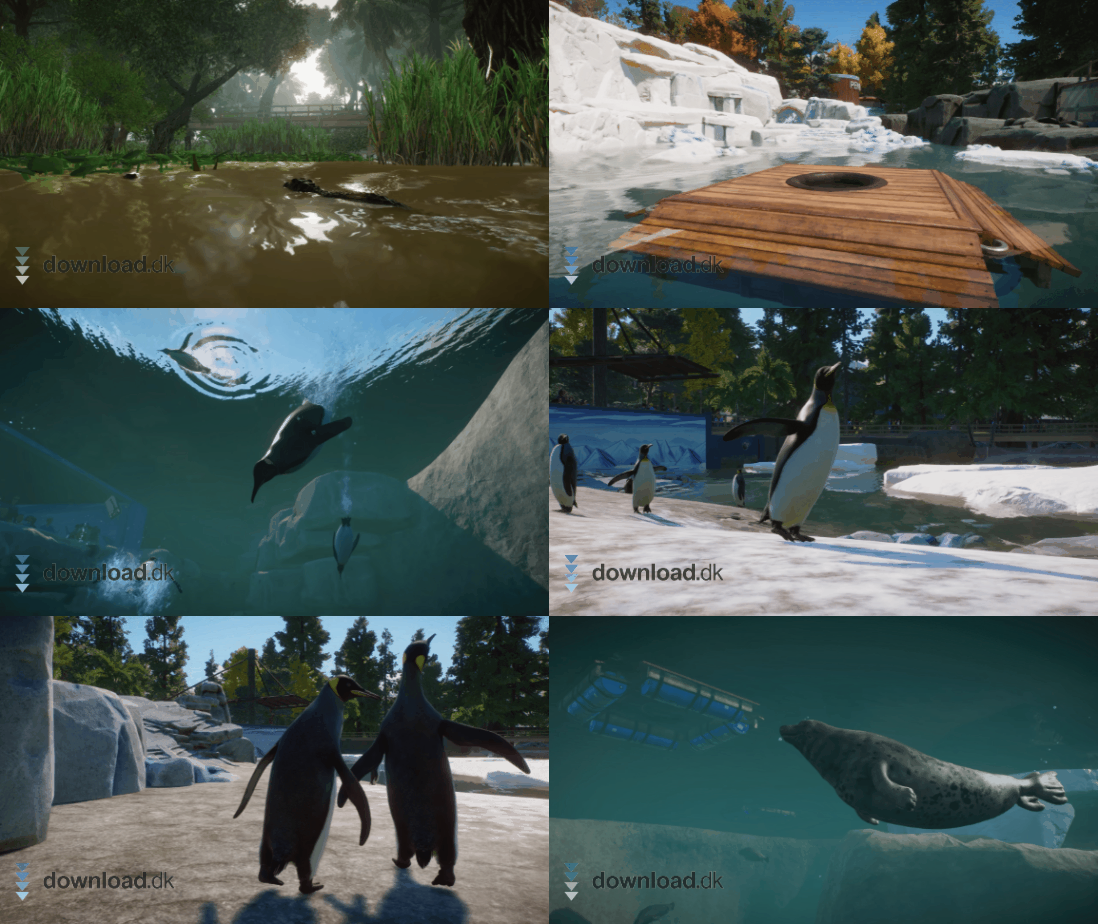
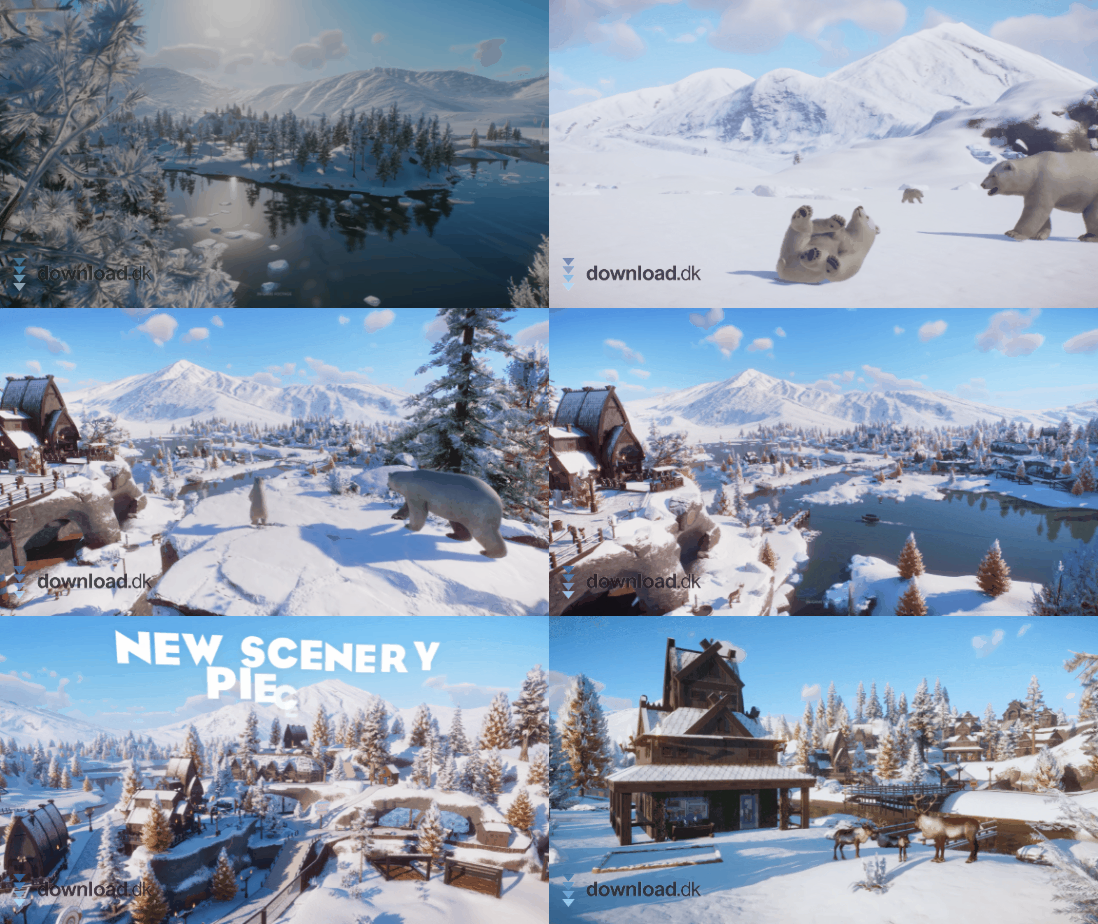
You typically pick a biome/climate for your park, which affects how easy it is to keep animals happy (and how much you’ll need to compensate with heating/cooling and layout). If you already know you want polar animals, it makes sense to factor climate in from the start — otherwise you often pay the “comfort tax” later.
In practice, this also makes the game more satisfying: one park can be your savanna dream, another can be colder and more northern, and a third can be pure rainforest with humidity and dense planting.
DLC and Expansions: What Makes the Most Sense?
Planet Zoo has received many expansions over time. Some packs feel like “more of the good stuff” (more animals + a bit of decor), while others can change how you build and theme. If you’re new, it usually makes the most sense to learn the base game first, then buy DLC based on the animals/themes you actually miss.
One practical tip from our test: adding too many new animals at once can make your first park messy, because you’re suddenly juggling more need types and more research. Start small, stabilize operations, and expand from there.
Who Is Planet Zoo Best For?
Planet Zoo clicks best if you like digging into details and genuinely enjoy optimization. It’s perfect if you get satisfaction from watching a system work: animals thrive, guests are happy, and the economy is stable — while the park still looks great.
If you’d rather “jump in and it just runs,” Planet Zoo can feel heavy. In that case, Sandbox is a great entry point because you can build without being constantly challenged by budgets, staffing, and research.
Is Planet Zoo Worth the Money?
If you’re into simulationsspil og kan leve with the fact that the first few hours are about learning (and a bit of fumbling), then yes. Planet Zoo is one of those games where an entire evening suddenly disappears because you “just had to fix the paths” or “wanted to build one more habitat.”
Top 5 Tips for Planet Zoo
Top 5 Tips for Planet Zoo
Five concrete steps that make your first park more stable — and save you from the classic “why is everything stalling?” issues.
Start with a few species and a few habitats
In our test, the park was much easier to manage when we stuck to 1–2 species at the beginning. You learn systems faster and avoid drowning in needs, research, and staff logistics all at once.
Build paths and viewpoints before you decorate
It’s tempting to decorate early, but we got better flow by first securing good viewpoints and wide paths. When guests can see animals without queues, income typically follows.
Create small staff service areas near habitats
When staff has to walk far, “invisible” problems appear: slow cleaning, hungry animals, and unhappy guests. Small service zones placed close to exhibits made our operations more stable.
Prioritize enrichment and hiding spots early
If animals don’t thrive, everything else falls apart. We saw far fewer alerts by quickly adding enrichment, correct terrain, and places for animals to retreat.
Use Sandbox to learn the build tools
If you’re new, Sandbox can save you hours. We learned camera, snapping, and build techniques without financial pressure — and carried those habits into a “real” park later.
Planet Zoo FAQ
FAQ about Planet Zoo
Answers to common questions we get about Planet Zoo