 Martin Jørgensen
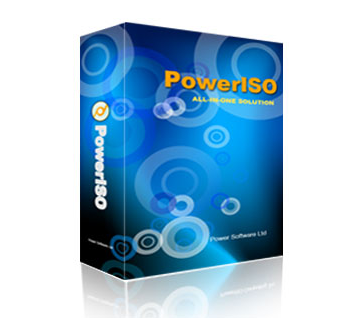
PowerISO – The complete tool for ISO files and virtual drive management.
All-in-one solution for disk images and virtual drives
PowerISO is a powerful, user-friendly application for handling CD/DVD/Blu-ray image files—especially ISO files, but also BIN, NRG, CDI, DAA and many more. With PowerISO you get a versatile tool that can:
- Extract, create, edit, and compress image files
- Encrypt, split, and convert between different formats
- Burn files to CD/DVD/Blu-ray
- Mount image files to a virtual drive without a physical disc
In other words, it’s a digital Swiss Army knife for anyone working with ISO files and disc content.
Easy—even for beginners
1 is surprisingly easy to use. The interface may look a bit old-school, but it’s clear and requires no advanced technical knowledge. You can quickly create a new ISO, add folders and files, and either save it locally or burn it with just a few clicks.
It’s ideal for backup, installing styresystemer, or mounting games or software without a physical disc.
Virtual drive—no physical disc required
One of the most popular features in PowerISO is the built-in virtual drive, which makes it possible to mount an ISO or BIN file as if it were a physical disc. This works perfectly with older games and programs that require a “disc in the drive,” even if you no longer have a CD/DVD reader.
Features at a glance
Danish language pack available
Supports nearly all image formats: ISO, BIN, NRG, CDI, DAA, and more.
Compatible with both 32-bit and 64-bit Windows
Integrates directly with Windows Explorer
Enables you to create bootable USB drives
Create and edit multi-session CDs