
 Martin Jørgensen
Stream free movies and TV shows with Rakuten TV — no subscription or login.
If you’re looking for a free streaming service with high-quality movies, TV shows, and sports, Rakuten TV is worth a try.
We thoroughly tested the platform on multiple devices to see how Rakuten TV Free performs in practice — and whether the ads spoil the experience.
The result? A surprisingly polished service that combines professional design, high picture quality, and a growing selection of free titles — all without a subscription or login.
What is Rakuten TV?
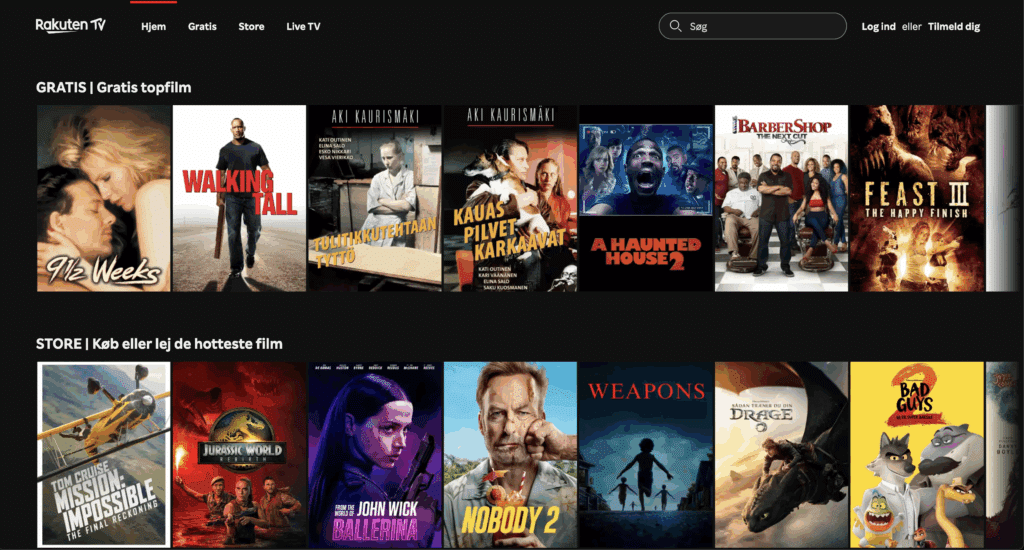
Rakuten TV is a streaming service where you can watch movies, TV shows, and sports for free — or choose to rent and buy newer titles.
The service is owned by the Japanese giant Rakuten, which also operates in e-commerce, mobile services, and finance.
Rakuten TV combines ad-supported free streaming (called Rakuten TV Free) and premium content for rent or purchase, all within one platform.
In our test, we used Rakuten TV on several devices, both in Denmark and via VPN, to see the differences in content and quality.
Rakuten TV in Denmark — free, ad-supported streaming
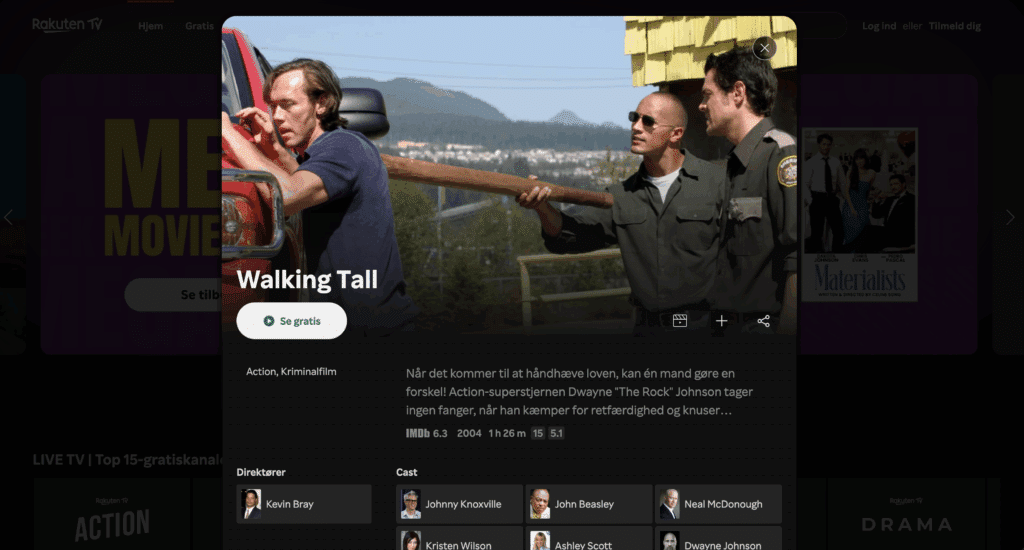
The Danish version of Rakuten TV offers a smaller but still varied selection of free movies, TV shows, and documentaries.
Rakuten TV Free is ad-funded, which means you can watch everything without a subscription — but with short ad breaks before and during playback.
In our testing, the ads were short and relatively unobtrusive, especially compared to services like Pluto TV and Tubi.
Streaming quality was stable on both Wi‑Fi and 4G, and the picture stayed sharp at 1080p.
User experience and content
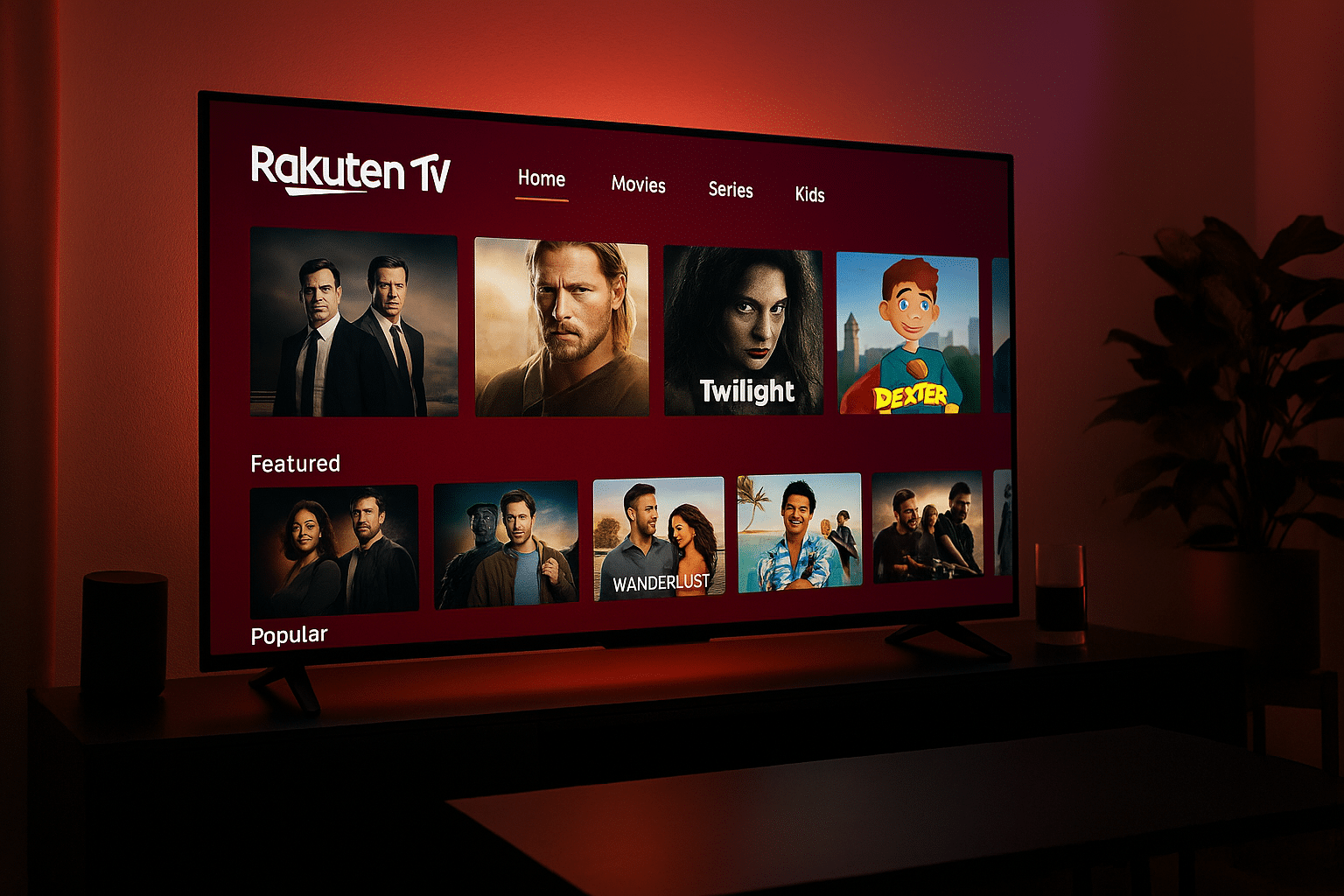
Rakuten TV’s interface is clean, modern, and very intuitive. It resembles Netflix in layout but clearly separates free and paid content. During our test, everything was logically placed — the “Film,” “Serier,” and “Kids” tabs are easy to navigate, and free titles are clearly labeled so you can quickly see what costs money and what doesn’t.
We tested Rakuten TV on Samsung Smart TV, MacBook, iPhone, and Android TV, and the platform ran smoothly and quickly across all devices. Remote navigation worked especially well on Smart TVs — it felt like a classic streaming experience where you can browse and play without delay.
On the web version, searching for titles was easy, and streaming quality consistently held at 1080p without visible compression.
The “Free” tab takes you straight into Rakuten TV Free, where you’ll find all ad-supported content. We tested both movies and shows, including The Reader, Sniper: Legacy, and several Nickelodeon series — all played smoothly. Ads were placed before and mid‑stream but were short and unobtrusive — typically two quick spots of 15–20 seconds.
An extra plus is the Kids section, which we found to be one of the most family-friendly free areas among streaming services. Kids’ movies and cartoons are presented in a simple layout, and the ads appear filtered to suit the audience.
In addition, Rakuten TV has a Sport category with free highlights from soccer, motorsport, and tennis. While these aren’t live matches, the quality is surprisingly high, and there are often exclusive clips you won’t find elsewhere.
All in all, the interface and experience leave a professional impression — we never experienced freezes, errors, or unnecessary login prompts, which makes Rakuten TV Free one of the most stable free streaming services we’ve tested to date.
Rakuten TV Free vs. paid version
While Rakuten TV Free covers the ad-supported experience, the same app also lets you rent and buy newer movies — often shortly after their theatrical release.
The newest titles like Inside Out 2 and Top Gun: Maverick typically cost $4–$7 to rent for 48 hours.
The advantage is you don’t need two apps or accounts — just choose the section you want to use.
If you stick to the free side, Rakuten TV doesn’t require a login, which makes it quick to get started.
Top 5 tips for Rakuten TV
1. Explore the “Free” tab
Everything here is free to watch — no card, no login.
2. Use search to find hidden gems
There are often classics that don’t show up on the homepage.
3. Switch audio and subtitles
Many titles offer multiple audio tracks and subtitle options — perfect for practicing languages.
4. Create a free account to save progress
Then you can continue watching across devices.
5. Mix free and paid viewing
Use Rakuten TV Free for everyday watching, and rent only when you want the newest releases.



