
 Martin Jørgensen
RedCrab Calculator – Advanced calculator for Windows
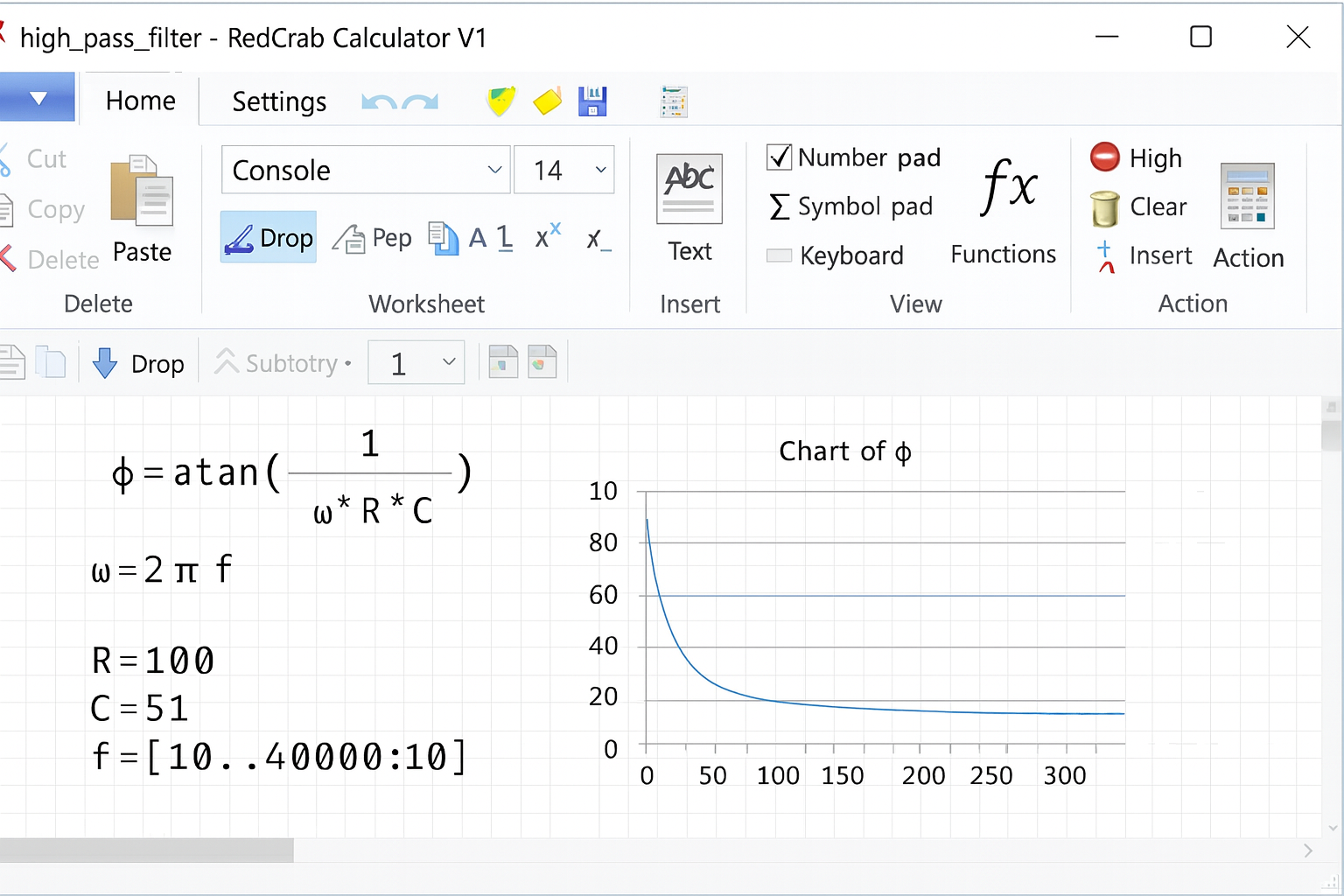
RedCrab Calculator is a free, advanced calculator for Windows that can handle even complex mathematical calculations. The program works both as a classic calculator and as an interactive math editor, where you can place formulas, text, images, and charts directly on the page.
We tested the program on a Windows 11 PC, and the setup (or rather—the first launch) took under a minute. Because RedCrab is portable software, no actual installation is required—you can run it directly from a USB drive or a folder on your computer. That makes it ideal for students, engineers, and businesses that need to work with mathematical expressions quickly without wrestling with heavy programs.
Features and capabilities
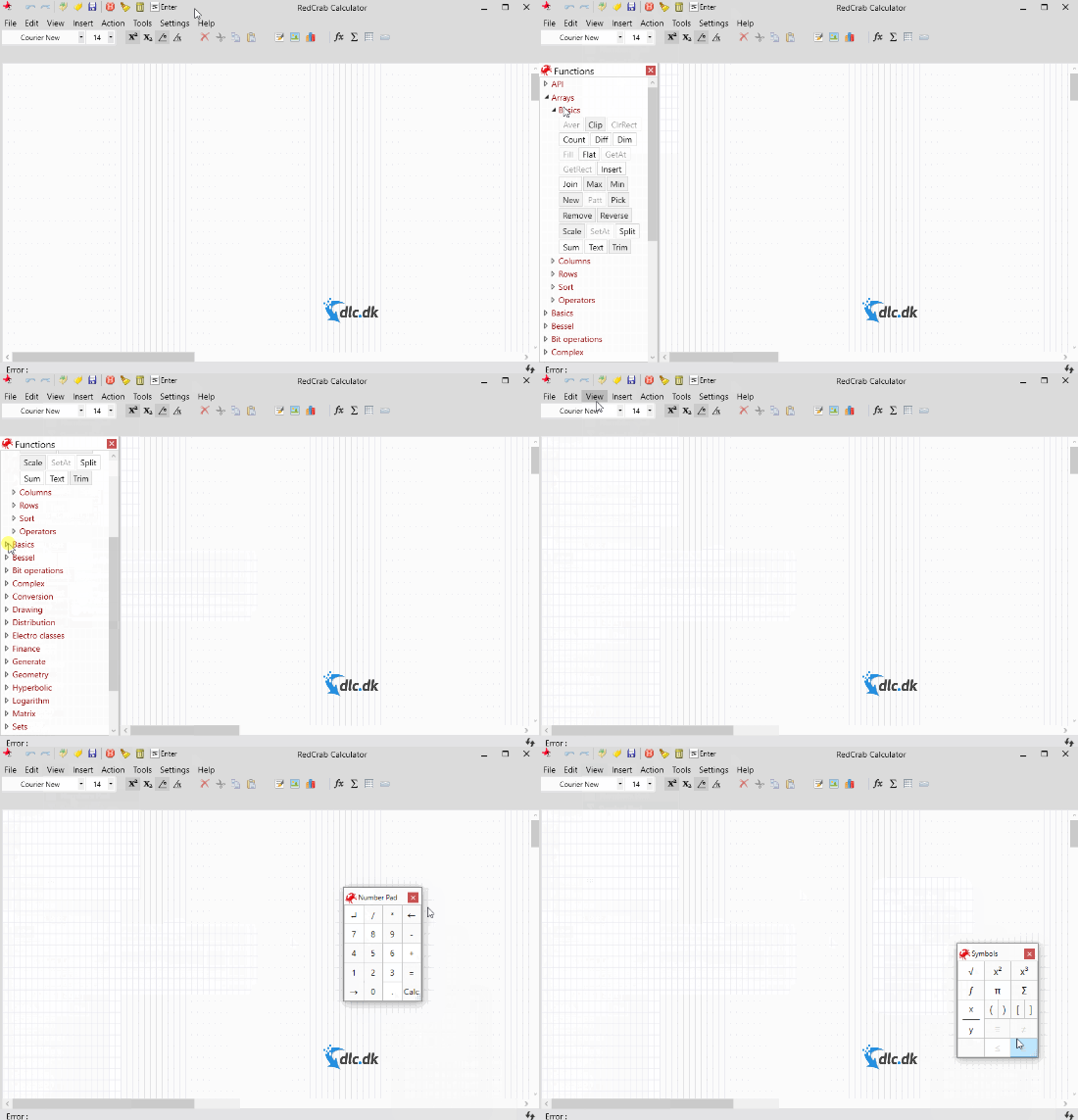
- Supports over 250 mathematical formulas and functions
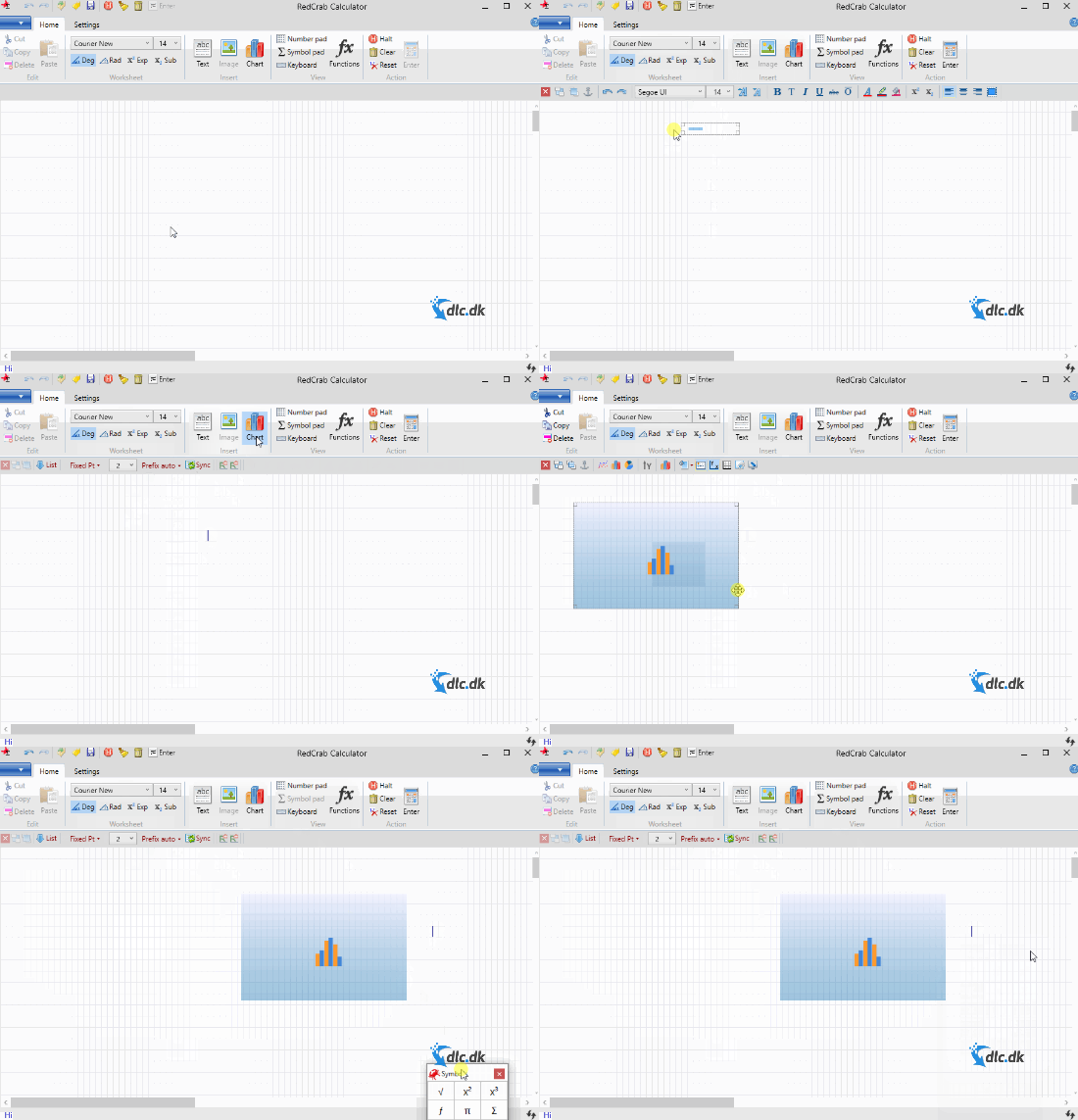
- Insert charts, images, and text into your calculations
- Works like a Word-style document for a more intuitive experience
- Supports technical, statistical, financial, and scientific calculations
Ease of use
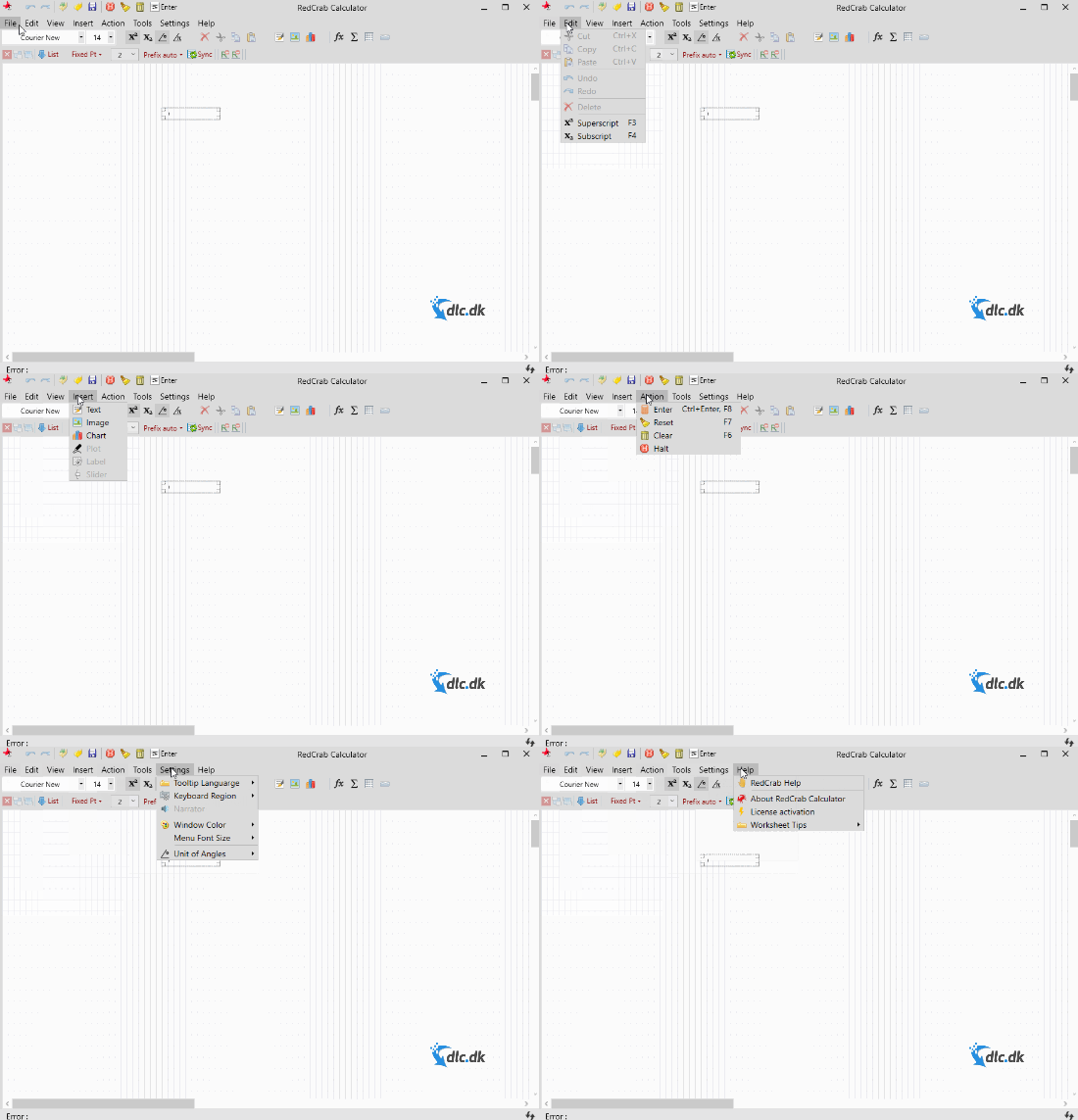
One of RedCrab Calculator’s biggest strengths is its usability. The layout is reminiscent of Microsoft Word, making it easy to navigate. There’s also a comprehensive manual and built-in guidance, so you can learn the key features quickly.
In our test, the program felt responsive, and even complex calculations ran without issues. Being able to add both text and illustrations directly into the document makes it perfect for writing reports or use in the classroom.
Updates and support
The developers behind RedCrab release regular updates to ensure compatibility with the latest versions of Windows and to add new mathematical functions. You can contact support by email, but the program is so straightforward you’ll likely rarely need it.
Why choose RedCrab Calculator?
If you need more than the basic Windows calculator but don’t want to pay for expensive math suites like MATLAB or Mathcad, RedCrab is an excellent choice. It’s free, portable, and gives you the flexibility to solve advanced tasks without installation.
Top 5 tips for RedCrab Calculator
Structure your calculations like a document: write headings, insert text, and place formulas where they make sense. It keeps everything clear when you later need to adjust inputs or explain the method to a colleague or instructor.
Tip: Use separate sections for “Assumptions,” “Formulas,” and “Results” to make your projects reusable.
Save your work as a project file so all formulas, text, and figures are included. Create versions—v1, v2, v3— when you change assumptions, so you can compare results and roll back if needed.
Tip: Put the project folder in a cloud folder so you have a backup and can continue working on other PCs.
Use graphs to validate your results. A quick curve of input vs. output often reveals errors in a formula or in unit conversions. Also insert images or sketches of the setup to document the context.
Tip: Add axis titles and units so the graphs can be understood without extra explanation.
RedCrab can run directly from a USB drive. Perfect in teaching, on shared PCs, or in companies with locked-down installs. Copy the program folder to USB, and start the program from there—so you always have your tools with you.
Tip: Bring your project files and a template folder with standard assumptions and frequently used formulas.
Always write assumptions (tolerances, temperatures, constants) and units next to variables. It makes troubleshooting and sharing easier. A short unit-check section saves time later.
Tip: Add a fixed block at the top of the document with symbol explanations and unit conversions.



