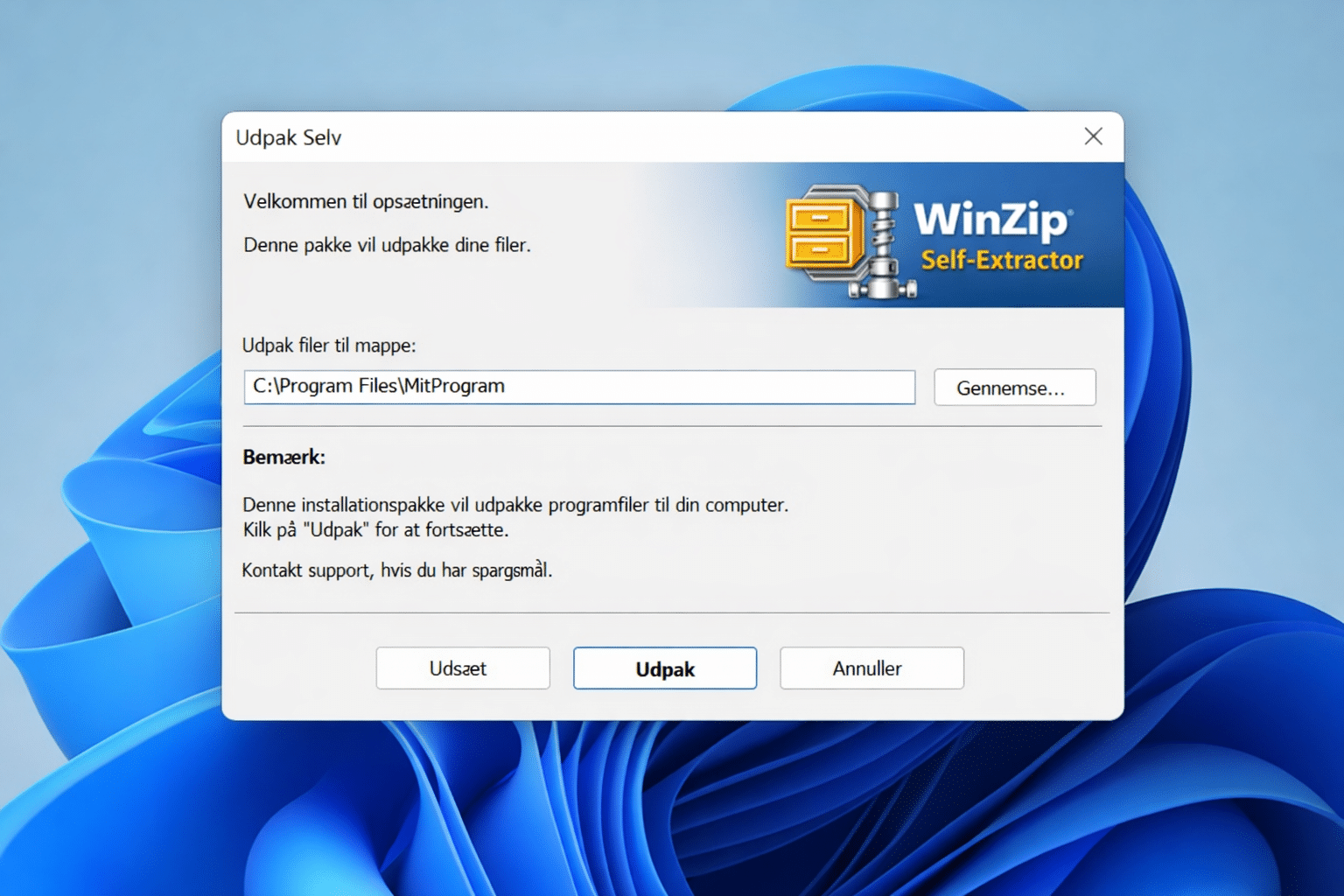
WinZip Self-Extractor is a specialized tool for creating self-extracting ZIP files. This lets you send compressed files as a single EXE that unpacks itself—even if the recipient doesn’t have WinZip or any other...
Compression software makes it much easier to manage large files, share documents online, and save storage space on your computer. Whether you need to send a big attachment, bundle multiple files into one archive, or unpack downloads from the web, a good compression tool can save both time and frustration.
On this page, we’ve gathered some of the best compression software for Windows, including popular programs like WinRAR, WinZip, 7-Zip, and other useful alternatives. These tools let you compress and extract files in just a few clicks, and most support widely used formats such as ZIP, RAR, and 7Z.
The best compression programs do more than shrink file sizes. Many also include password protection, encryption, damaged archive repair, and support for splitting large archives into smaller parts. Some even offer cloud integration or extra file management features that make them useful beyond basic compression.
Whether you just want a simple free tool for everyday use or a more advanced program with extra features, you’ll find solid options here. Explore our selection of compression software and find the right tool for faster file sharing, easier archiving, and better control over your data.
It’s the most popular compression tool on the market — and for good reason. First, the software is available in countless languages, including Danish, and supports special characters. It’s also blazing fast, and paying...
With ALZip, you can open and extract over 40 file types, including: