
 Martin Jørgensen
VesselFinder — track ships worldwide in real time
VesselFinder is a popular online service and app that lets you track ships in real time using AIS data (Automatic Identification System). It’s used by professionals in shipping and logistics—as well as hobbyists who are curious about marine traffic, cruise ships, or specific cargo vessels.
We tested VesselFinder in a browser and via the mobile app on a standard Windows 11 PC and an Android phone. Setup was quick, and within seconds we were following marine traffic across U.S. waters, including New York Harbor, San Francisco Bay, and the Gulf of Mexico.
Real-time tracking of ships and boats
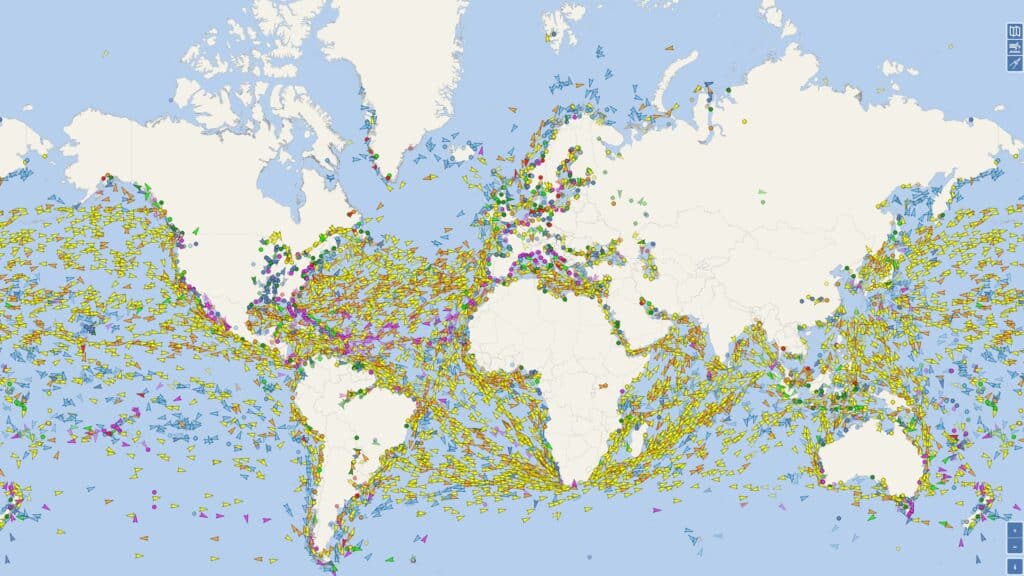
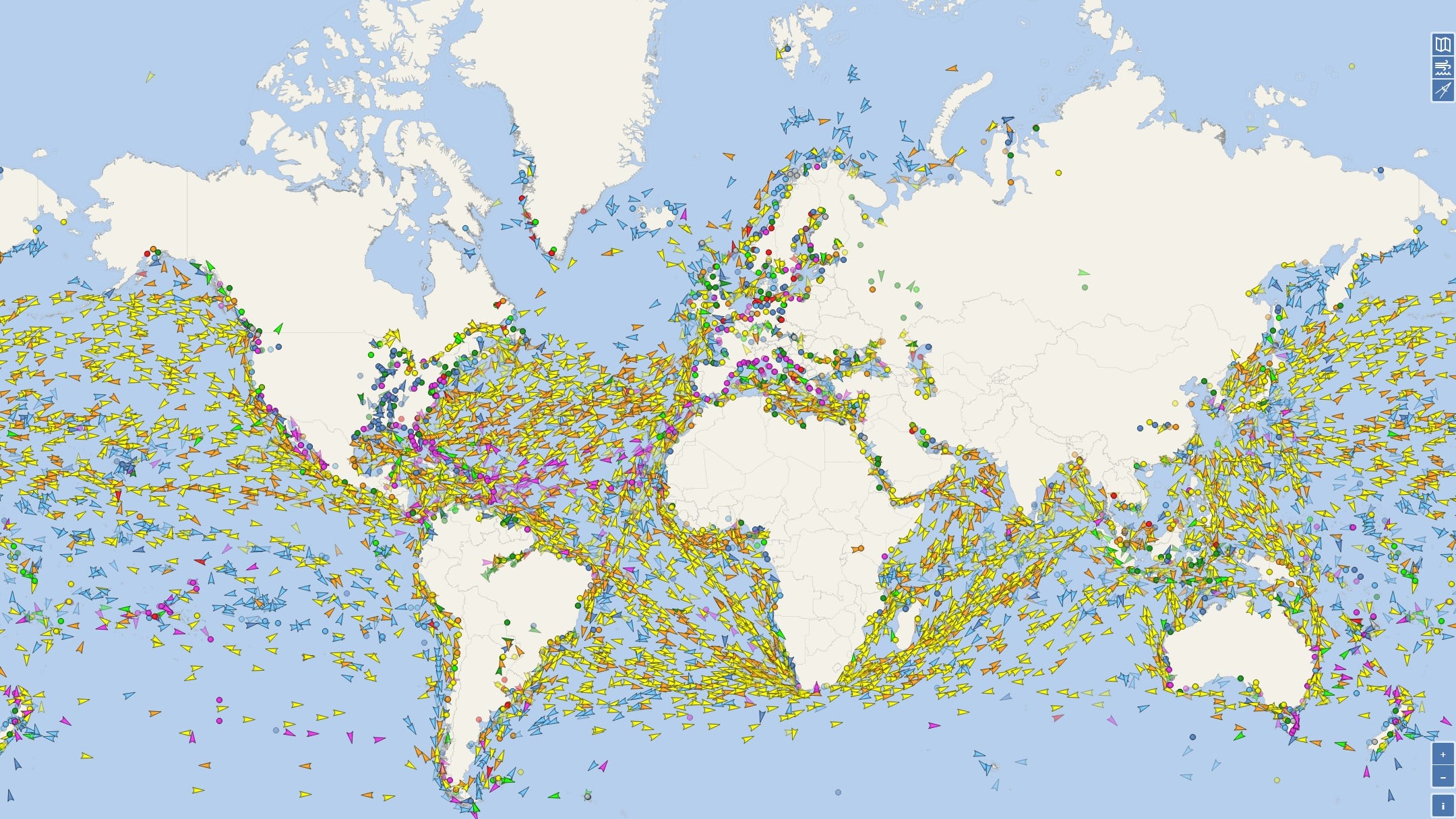
The core of VesselFinder is the live map, where thousands of ships appear in real time. Each vessel transmits AIS signals that are collected by shore stations and satellites.
You can see:
- Vessel name, type, and flag
- Current position, course, and speed
- Departure port and intended destination
- Estimated Time of Arrival (ETA)
In the U.S., coverage is especially strong near the coastline and around major ports such as New York, Los Angeles/Long Beach, Houston, and Seattle. We experienced very few gaps in tracking—even for smaller vessels.
Vessel types and detailed information
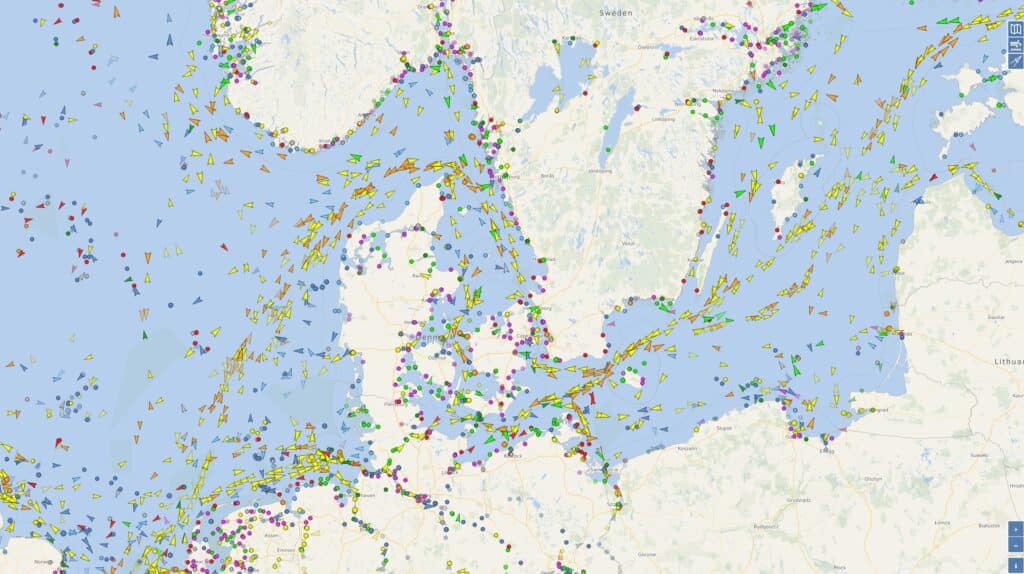
VesselFinder supports virtually all relevant vessel types:
- Container ships and cargo vessels
- Tankers
- Cruise ships
- Fishing vessels
- Tugboats and specialty vessels
Clicking a ship opens a detailed page with historic routes, previous port calls, and technical specifications. This is especially useful if you’re following a specific vessel over time.
History, routes, and port information
One of the strongest features is access to historical data. You can:
- View past routes
- Get an overview of port calls
- Analyze congestion at specific ports
We used the feature to analyze traffic patterns in the Port of Los Angeles, and VesselFinder delivers a clear visual overview that’s hard to find for free elsewhere.
App vs. web — what's the difference?
VesselFinder is available both as a web service and as an app for phones and tablets.
The web version:
- Large, detailed map
- Ideal for desktop and big screens
The mobile app:
- Quick access on the go
- Push notifications (e.g., when a ship arrives)
- More streamlined interface
For everyday use we actually preferred the app, while the web version is best for deep dives.
Free vs. paid version
The free version covers most needs:
- Live tracking
- Basic vessel data
- Standard maps
Premium adds:
- Satellite AIS (better coverage offshore)
- More historical data
- Advanced filters
For casual users, the free version is more than enough, while professionals can get real value from premium.
Top 5 tips for VesselFinder
Who is VesselFinder best for?
In the U.S., VesselFinder is especially popular among:
- Shipping and logistics professionals
- Port staff
- Cruise ship spotters
- Maritime enthusiasts
- Education and research



