
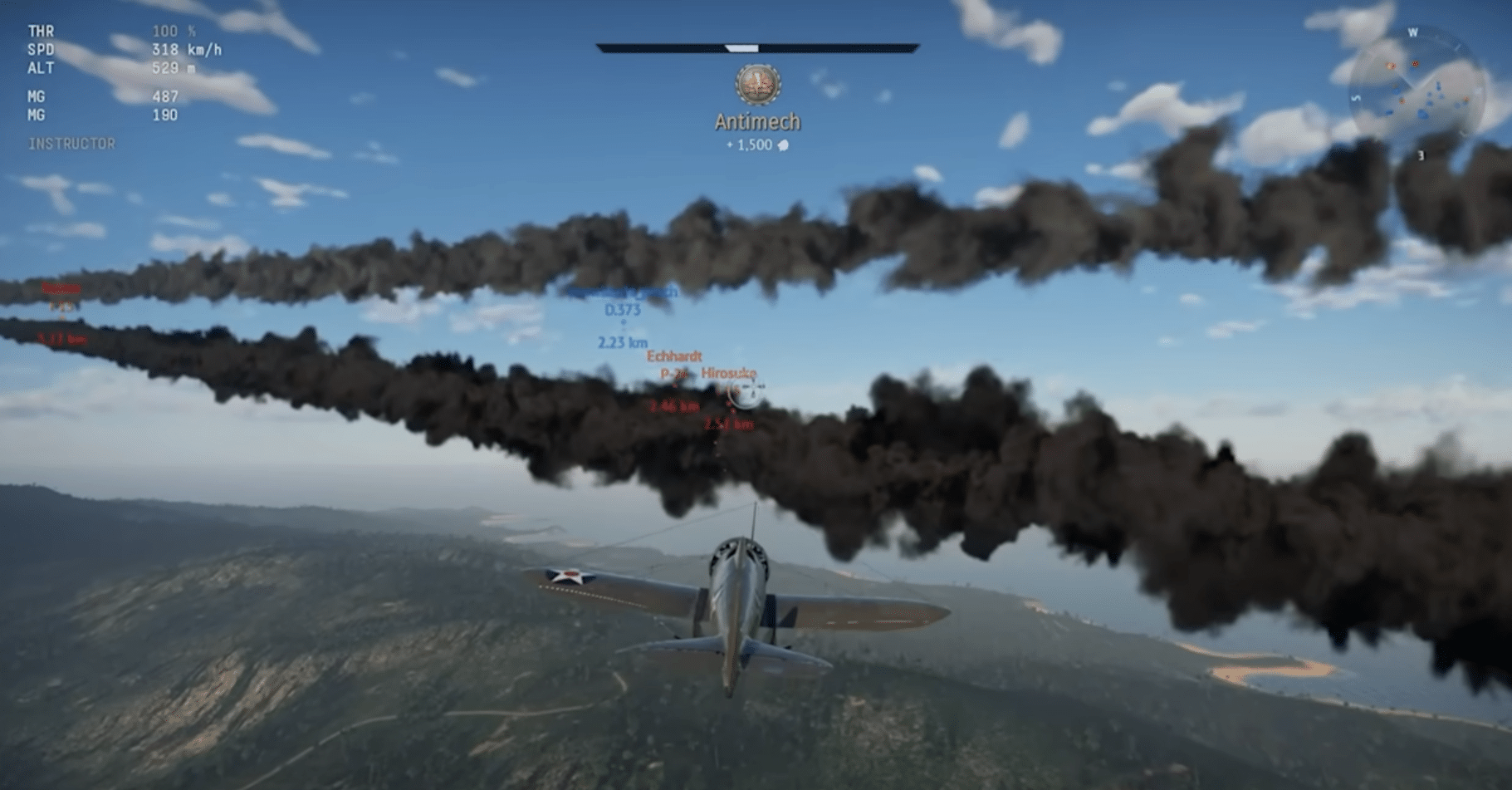
War Thunder aerial combat seen from behind, with a fighter jet chasing enemies through thick smoke trails over a rugged landscape.

War Thunder download – free war game with tanks, planes, and ships

War Thunder is a free-to-play online war game where you can jump into dogfights, tank battles, and naval combat—often in the same universe—and that land, air, and sea combo is exactly what makes it so hard to put down.

We tested War Thunder on a standard Windows 11 PC with a mid-range graphics card. Installation was straightforward, but the first few matches took some getting used to (especially if you jump straight into Realistic Battles). The game quickly feels rewarding, though, because you unlock new vehicles and upgrades early—without having to pay.

Gameplay and modes
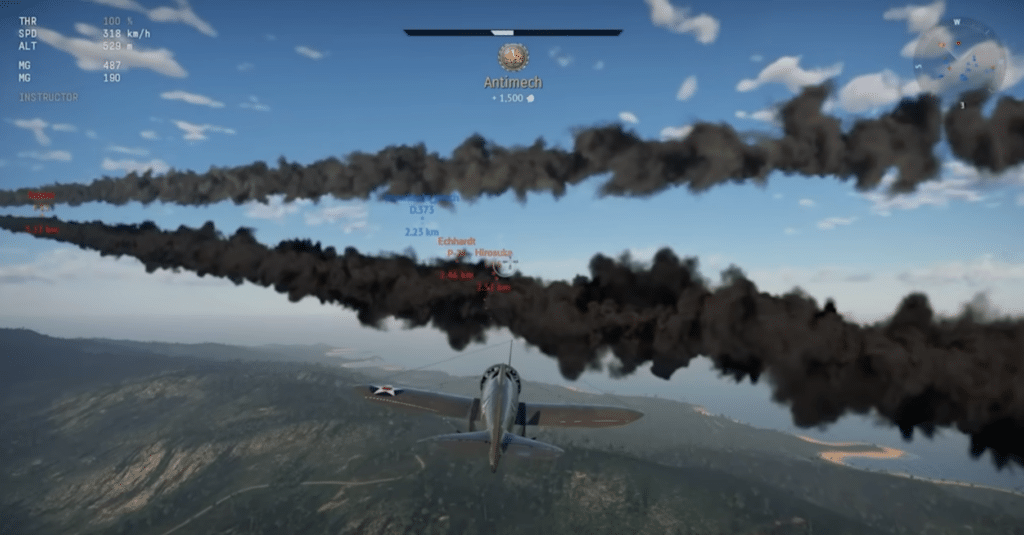
War Thunder aerial combat from behind: a fighter pursues enemies through thick smoke trails over rolling terrain.
Screenshot from our War Thunder test on Windows 11—an intense dogfight, following enemy smoke trails and lining up a target in the sights.

The best part of War Thunder is that you choose how “sim-like” you want it to be.

Arcade Battles are fast and accessible: more forgiving flight controls, clearer in-combat aids, and that "just one more match" feeling.

Realistic Battles are where it really bites: fewer assists, more tactical positioning, and a bigger emphasis on knowing your vehicle and role. It’s also where you start to see why people spend hundreds of hours studying ammo types, angles, and weak spots.

Vehicles, progression, and the "pay to win" feeling

You get a massive selection of aircraft, tanks, and ships across nations (the game is known for an extremely broad roster). Progression runs through research/tiers, where you unlock new vehicles by playing and earning XP/Research Points.

The classic free-to-play pitfall: premium-køretøjer og boosts can speed up progress—and some premium items can feel strong in certain matchups—but in our testing it didn’t feel like "pay or lose." It felt more like "pay for speed." If you can live with a bit of grind, you can absolutely have fun without buying anything.

Graphics, audio, and the feel of combat
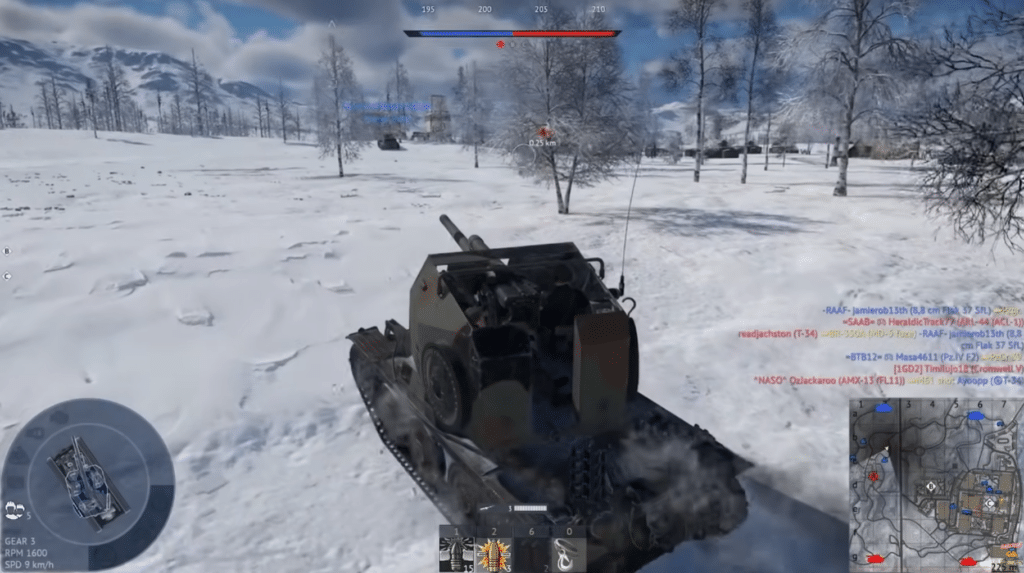
War Thunder gameplay with a tank in snowy terrain, advancing toward an enemy objective in a winter landscape.
Screenshot from our War Thunder test on Windows 11—a snowy tank battle, rolling toward the next capture point while watching the minimap and enemy markers.

The visuals are surprisingly strong—especially vehicles, cockpits, and effects like tracers and explosions. Sound is a huge part of the experience too: engine roar, turret traverse, metallic impacts, and that “uh‑oh” panic when something hits you from the side.

We especially noticed that it runs fine on an average PC, but scales nicely if you have stronger hardware and crank up the quality.

System requirements and hard drive space

War Thunder requires at least Windows 10 (64-bit) and a DirectX 11–compatible graphics card. Expect the full install to take significantly more space than the “minimal client.” (Gaijin lists both minimum and recommended specs.)



Top 5 War Thunder tips (faster start, fewer mistakes)

Always use the official download from War Thunder’s website so you get the newest launcher and avoid outdated installers. Once installed, the launcher typically updates itself.
You can start pretty casual in Arcade to learn maps, aim, and basic tactics without being punished as hard. Realistic and Simulator demand more patience because mistakes get punished quickly.
In normal play it feels more like pay for pace than pay to win. Premium can speed up the grind, but you can have fun and stay competitive without buying anything if you learn your vehicle and play smart.
First, lower shadows and post-processing, and keep textures a bit higher if you have enough VRAM. Disable unnecessary overlays and make sure your GPU driver is up to date.
Stop shooting the "middle of the tank" and start aiming for modules: turret ring, ammo rack, engine, and crew. Once you learn weak spots and angling, you’ll win more duels—even with a lower-tier vehicle.

Martin Jørgensen

I create software content and Windows guides for Holyfile.com, focusing on up-to-date recommendations and clear, practical explanations. My goal is to help people choose the right software quickly and safely.

Reviewer’s rating with pros and cons, and user ratings

An insane amount of content and a great land/air/sea mix, but progression and matchmaking can feel tough if you chase “the right” vehicle too quickly.


Pros:
✅ Huge variety: tanks, planes, and ships in the same game universe
✅ Works well as a free game, even without purchases
✅ Great audio and a satisfying “combat feel”
✅ Many modes from casual Arcade to more serious Realistic

Cons:
❌ The grind is still noticeable, especially if you keep switching nations/tiers
❌ The learning curve is steeper than it looks at first
❌ Premium content can feel like a “shortcut” if you’re impatient


Operating systems:
✅ Windows
✅ macOS
✅ Linux
✅ PlayStation / Xbox

User Rating
