
 Martin Jørgensen
Command & Conquer: Red Alert brings back nostalgia for so many of us.
This real-time strategy game was first released back in 1996 for DOS and later in 1998 for Windows systems. It was a runaway success from day one for several reasons.
First, 1 tells an intriguing story set in a parallel universe where Albert Einstein travels through time and prevents Germany from starting World War II. As a result, the Soviet Union freely expands and invades Europe, sparking a war between the Allies and the Axis.
The game has also sparked plenty of community debate about whether time travel created ripples that affected other timelines — for example, Command & Conquer: Tiberian Dawn (also known as the Tiberium War), where the Global Defense Initiative and the fanatical religious sect, the Brotherhood of Nod, wage war.
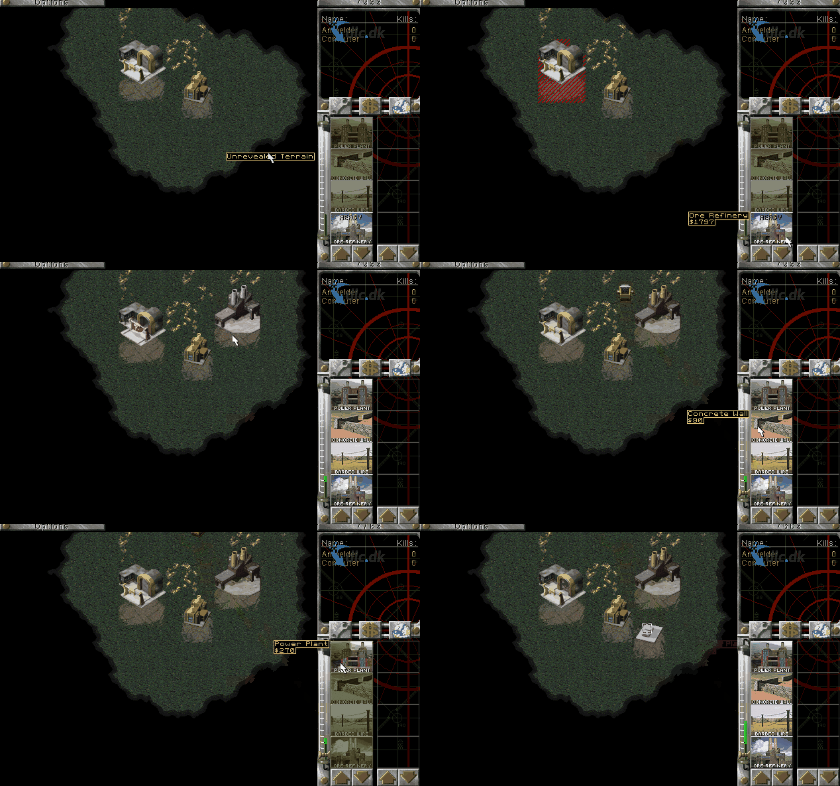
Red Alert is a real-time strategy (RTS) game praised for its friendly interface and an awesome roster of units: infantry, vehicles, aircraft, naval forces, buildings, and more.
Red Alert – A timeless classic
One big reason Red Alert remains such a strong memory — and still a fantastic game today — is its gameplay. Red Alert was among the first strategy games to lean fully into base building, resource management, and map control.
In many ways, Red Alert helped establish the formula RTS games have followed ever since. What’s most impressive is that you’re not limited in how large your base can grow. You can expand into larger areas if you want, and you can create defensive lines with concrete walls or barbed wire.
The alternate timeline also gave the developers freedom to design imaginative superweapons. Red Alert is set in the 1950s, and nuclear weapons exist. You can upgrade your tanks and infantry to deal massive damage — or play the long game, research a nuke, and drop it on the enemy base.
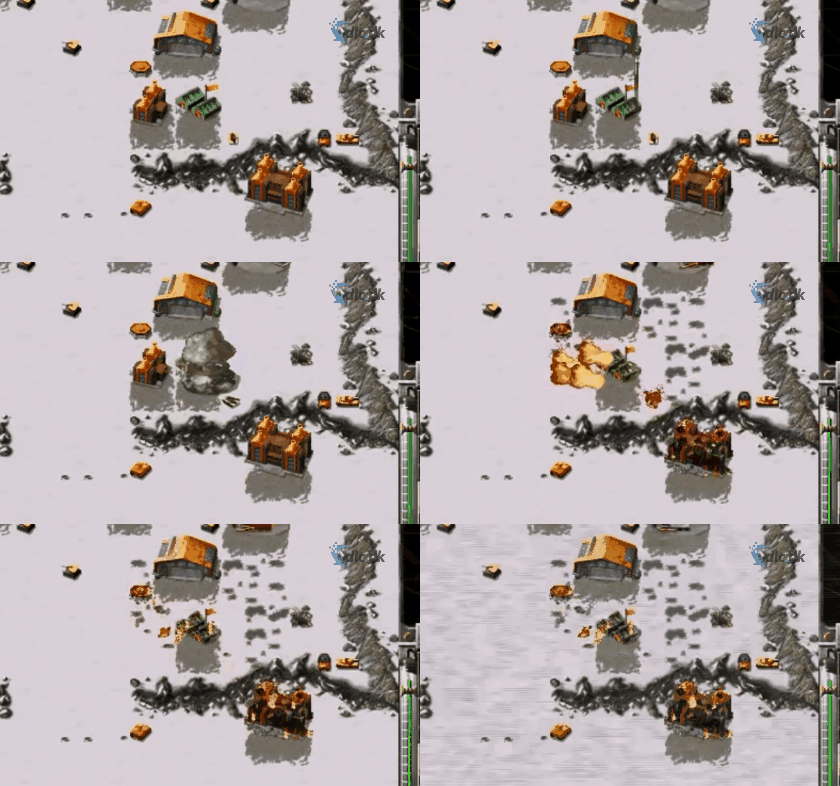
There’s a wide range of superweapons to leverage. Some are more creative than others, but all of them can devastate your opponents.
There’s also a remastered release with updated graphics you can read more about here.
A game ahead of its time
What’s most impressive about Red Alert is how far ahead of its time it felt. Many modern RTS games followed Red Alert’s lead on how to build a strategy experience, which is why it’s credited with setting standards for the genre. Of course, newer games also introduced their own twists.
It was also ahead of its time musically. The soundtrack was composed by Frank Klepacki, who worked on other Command & Conquer titles as well, but this game in particular made his work stand out across the industry.
Gameplay options
As one of the early PC titles with robust modes, you can play solo against the computer or go online against other players.
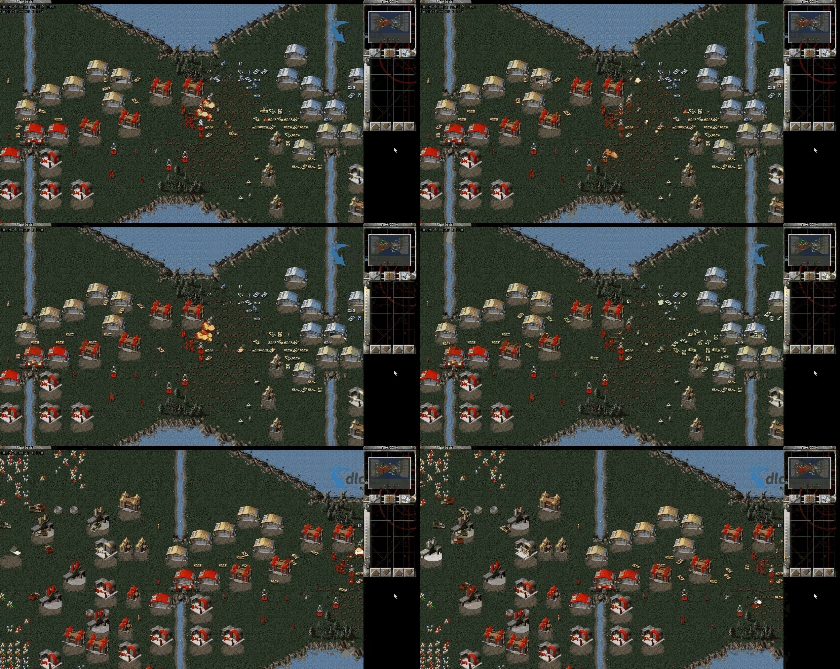
If you choose to play against the computer, you can pick the AI difficulty from Easy → Medium → Hard → Very Hard. If you’re new to RTS games, it’s a good idea to start vs. the AI until you learn different strategies.
Once your strategies are dialed in, jump into multiplayer. You can play with random opponents from around the world, or team up with friends. You and your friends can also play on the same team and take on others in, for example, 2v2 or 3v3 matches.
The game also launched with two expansion packs called Counterstrike and The Aftermath. Back then it couldn’t run on Windows XP or Windows Vista; only Windows 95 and MS-DOS.
The strategy game Command & Conquer: Red Alert
Strategy has long been a favorite genre for PC gamers, especially with the rise of esports. Strategy games have existed forever, for example in the form of the game Skak (chess), so it’s only natural that the genre evolved on PC.
We’ve seen the interest first-hand: strategy titles are among the most popular downloads on our site. New RTS games are released all the time, and the genre has become widespread. Many modern shooters even include strategy elements, underscoring that this style of play is here to stay.
Developed by Westwood Studios
As mentioned, Red Alert launched in 1996, and it was developed by Westwood Studios, which at the time was a mid-sized game studio. Red Alert’s huge success quickly drew the attention of major publishers, leading to Westwood Studios being acquired by Electronic Arts (also known as EA Games) in 1998 for $122.5 million.
The acquisition was fairly dramatic, as many former Westwood Studios employees left afterward to start their own projects. Electronic Arts has since continued the Red Alert series. Many players, however, feel the series was never quite the same after the acquisition and that Electronic Arts ‘ruined’ it.
What we do know is that the Red Alert series — or rather the broader Command & Conquer franchise — isn’t nearly as popular today as it once was. That said, many later Command & Conquer strategy games, such as Command & Conquer: Generals, were still massive hits.
Still an absolutely fantastic game!
Red Alert is the original strategy entry in a series that went on to enjoy considerable success. If you want to see how it all began, Red Alert is a must-try. Many core RTS elements were introduced here, so it can be smart to start with Red Alert and then move on to newer titles once you’ve mastered the basics.
Red Alert brings back great childhood memories for us, but even if you’ve never played it, you can easily sink hours into it. It’s remarkably well designed, and even decades later you can devise fresh strategies that still catch opponents off guard.
Another perk of classic games is that they’re easy on system resources. You can install this on a laptop and enjoy it on the go — whether you’re traveling or just have a few minutes to spare.
Red Alert is one of those games everyone should try. It helped redefine the RTS genre, and it gets our warm recommendation.
Top 5 tips to dominate in Command & Conquer: Red Alert
Ready to take your Command & Conquer: Red Alert skills to the next level? Whether you play the original or the updated Command & Conquer Remastered Collection, here are five must-know tips that give you the edge against both AI and human opponents.
So whether you’re new or a veteran, these five tips are the path to victory in Command & Conquer: Red Alert. Level up, think tactically — and enjoy the win!



