
 Martin Jørgensen
TORCS download – open-source racing simulator for Windows
TORCS (The Open Racing Car Simulator) is a free, open-source racing game for Windows that makes the most sense if you want to dive into setup, cars/tracks, and race against AI—more than you care about slick graphics and online multiplayer.
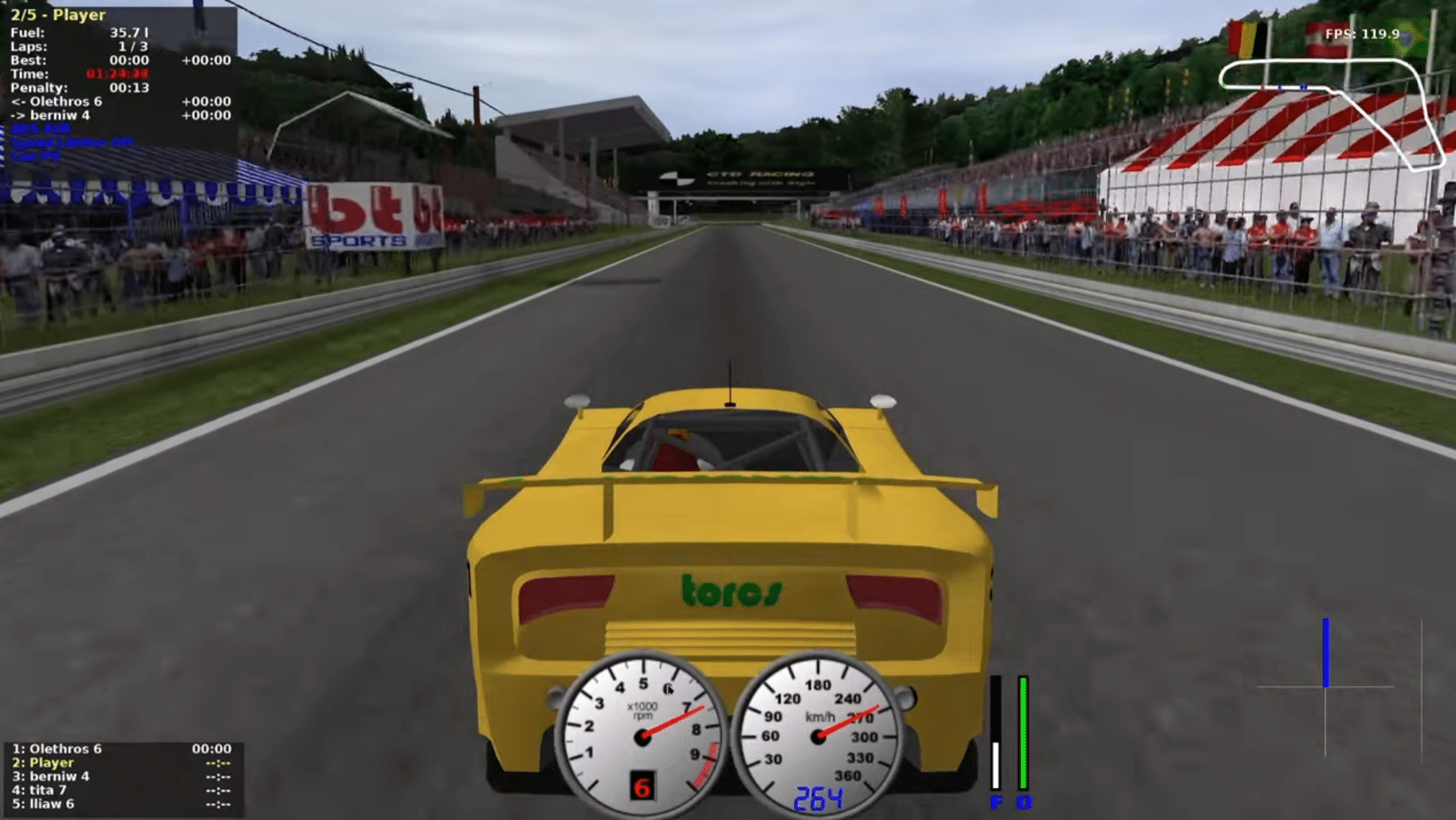
A car and track in TORCS during our Windows 11 test (screenshot from our own setup).
Gameplay and features
TORCS feels more like a “racing platform” than a modern game. You can run practice, races, and championships, tweak lots of settings, and try different cars and track types. It’s also a classic in environments where people work with AI drivers and simulation.
Graphics, audio, and realism
We tested TORCS on a standard Windows 11 PC, and we quickly hit the game’s biggest challenge: it looks dated, and you’ll often spend time getting resolution, camera, and graphics settings to behave on a modern display. Once it’s dialed in, it’s perfectly fine for sim-ish driving—but if you’re coming from newer racing games, it will feel visually spartan.
Multiplayer: keep expectations realistic
If you’re looking for online multiplayer, TORCS isn’t the obvious choice. Historically, the project has focused on single-player, AI, and local play.
On the plus side, split-screen/local multiplayer is possible, but it’s not the most plug-and-play experience and typically requires extra setup.
TORCS vs. TrackMania (and a better open-source alternative)
When people ask us for a free racerspil “just for fun,” we often point to TrackMania‑style experiences because they’re quicker to get started with and have stronger multiplayer.
But if you specifically want an open-source motorsport/simulator vibe, it’s worth knowing Speed Dreams—an actively developed fork of TORCS that feels more up to date for many users.
Who is TORCS best for?
TORCS makes the most sense if you:
- want a free sim racer you can tinker with and tweak
- want to race against AI and play with setups without buying pricey sim titles
- are curious about open source, modding, and the “simulator as a platform” idea
If, on the other hand, you want great graphics, a modern UI, and easy online multiplayer, TORCS can quickly become a bit of a slog.
Top 5 TORCS tips
Tackle resolution and FOV before anything else
TORCS can look “off” on modern displays if resolution, fullscreen, and field of view don’t match. Stabilize the image first—then the rest of the fine‑tuning makes much more sense.
Lower sensitivity and use progressive steering
With a keyboard, the car can feel twitchy. Try lower steering sensitivity and more progressive settings so you don’t zigzag down the straights.
Run Practice on one track until you can hit 5 consistent laps
TORCS rewards repetition. Pick one car and one track, and aim for stable laps before hopping between 10 different combos—it will lift your pace noticeably.
Create Player 2 in the menu before looking for split-screen in races
Split‑screen can seem “invisible” if there’s only one player profile. Create and map controls for Player 2 first—then the split‑screen options make sense.
Consider Speed Dreams if TORCS feels too dusty
If you like the idea of open‑source sim racing but want a more up‑to‑date feel, Speed Dreams is often a better match because it builds on TORCS’s foundation.



